





WhatsApp Business Suite

Scale WhatsApp conversations with WhatsApp Automation

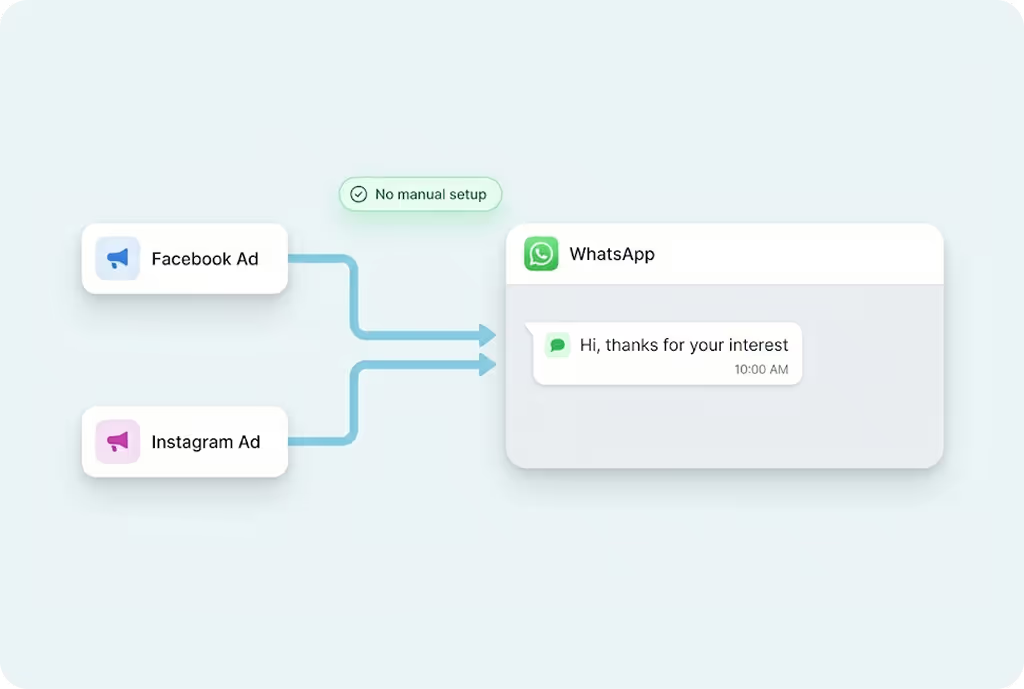
MyOperator WhatsApp Automation automates replies, follow-ups, and workflows to reduce manual effort and improve response consistency.

15 Years of Trust. 12,000+ Brands Strong.

Why Use WhatsApp Automation

How WhatsApp Automation Works

01

Step 1: Connect WhatsApp Data

Link your WhatsApp Business API number and connect contacts or CRM integrations.
02

Step 2: Build Automation Flows

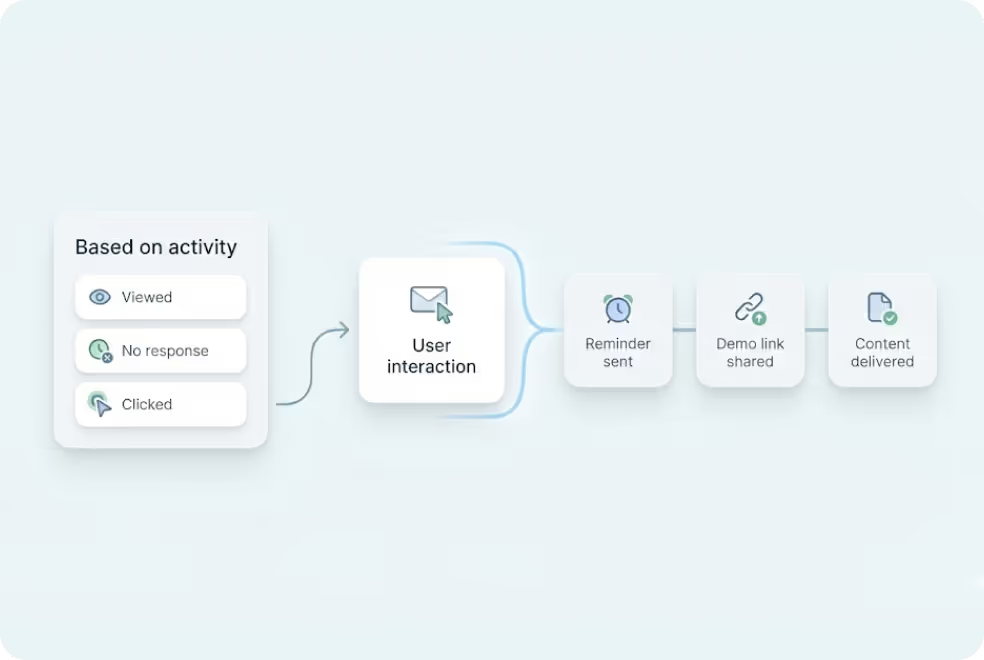
Design no-code workflows for triggers like new leads, payments, missed calls, or inactivity.
03

Step 3: Track and Optimize

Monitor delivery, responses, and engagement in real time, and refine flows for better results.

What Businesses Say
About MyOperator

Find The Perfect Ride
For Your Business Needs

Compact

₹2,500/month

For small teams that need WhatsApp Business API & missed calls.

Sedan

₹5,000/month

For growing businesses that need more users & unlimited IVR+ calling.

SUV

MOST POPULAR

₹15,000/month

For teams that also need performance analytics and integrations.

Enterprise

₹2,00,000/month

Starts at

For large organisations that need customization and dedicated support.

What Is MyOperator

MyOperator is a Business AI Operator that brings together AI agents and human experts for unified communication on WhatsApp and Calls.

The Channels

WhatsApp Suite

Official WhatsApp Business API with automation, campaigns, and shared inboxes.

  • Broadcasts, CTWA, and AI replies
  • Multi-agent chat and handovers
  • Blue tick and verification

Call Suite

Cloud calling infrastructure built for high-volume inbound and outbound operations.

  • IVR, virtual numbers, and dialers
  • Tracking, recordings, and smart routing
  • Synced with WhatsApp & AI flows

The Workforces

AI Agents

AI voicebots and chatbots that handle first response, qualification, and routing.

  • Works across WhatsApp + Calls
  • Learns from real conversation data
  • Escalates only when needed

Human Experts

Sales and support teams step in with complete conversation context.

  • Full view of past chats and calls
  • Faster resolution and follow-ups
  • Better outcomes across the funnel

WhatsApp Automation FAQs

What is MyOperator’s WhatsApp Automation feature?
MyOperator’s WhatsApp Automation helps you put your customer communication on autopilot. It automatically sends messages, reminders, and follow-ups triggered by specific actions  like a new lead, payment confirmation, or missed call. You can create automated workflows that ensure no customer query goes unanswered, while keeping every message compliant with Meta’s official WhatsApp Business API.
What can I automate on WhatsApp?
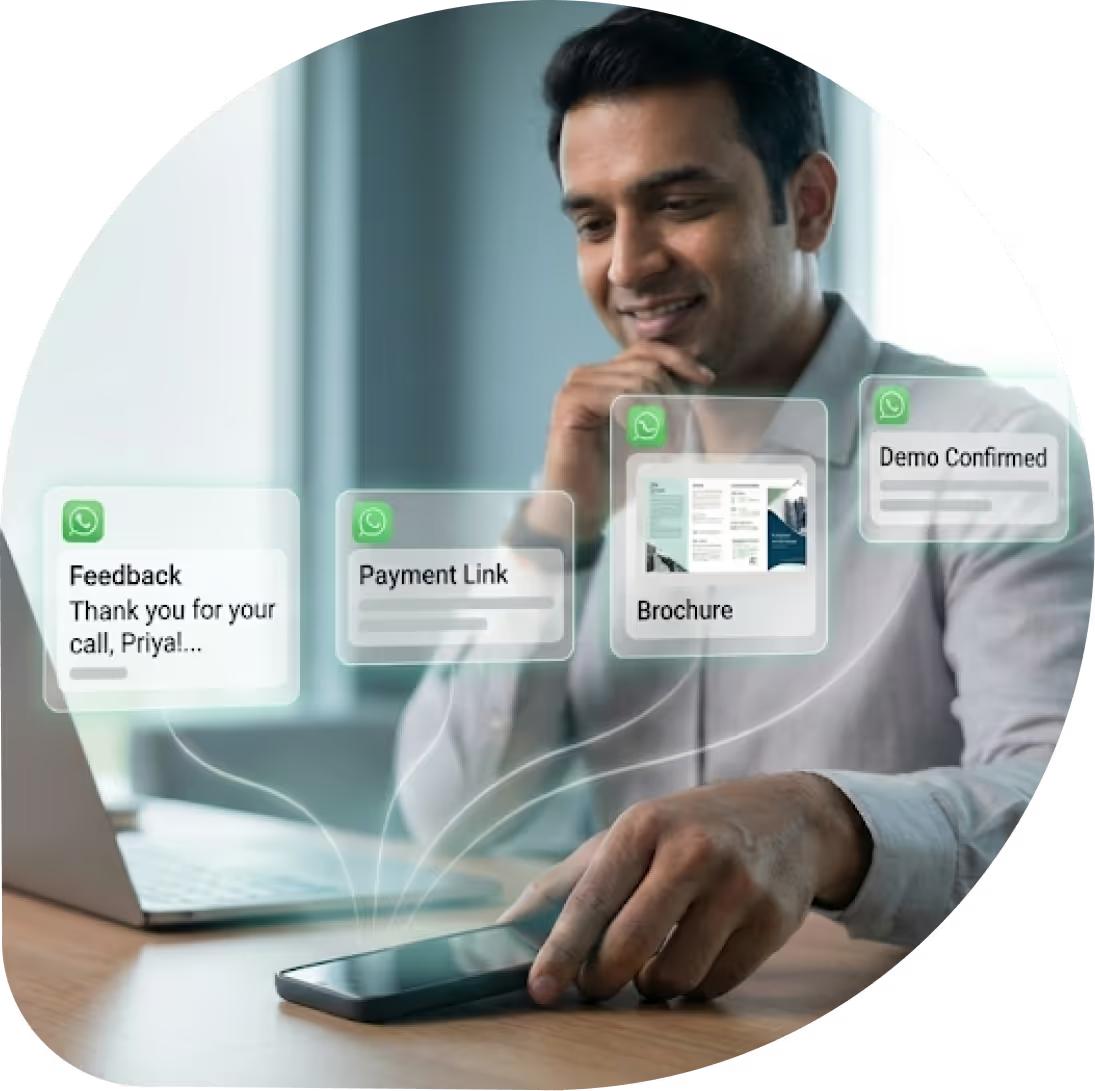
You can automate almost any kind of customer communication from welcome messages and order updates to payment reminders and re-engagement campaigns. Businesses also use it for drip campaigns, onboarding sequences, and feedback collection. Once set up, every message goes out automatically at the right time, to the right person.
How is WhatsApp Automation different from WhatsApp Chatbots?
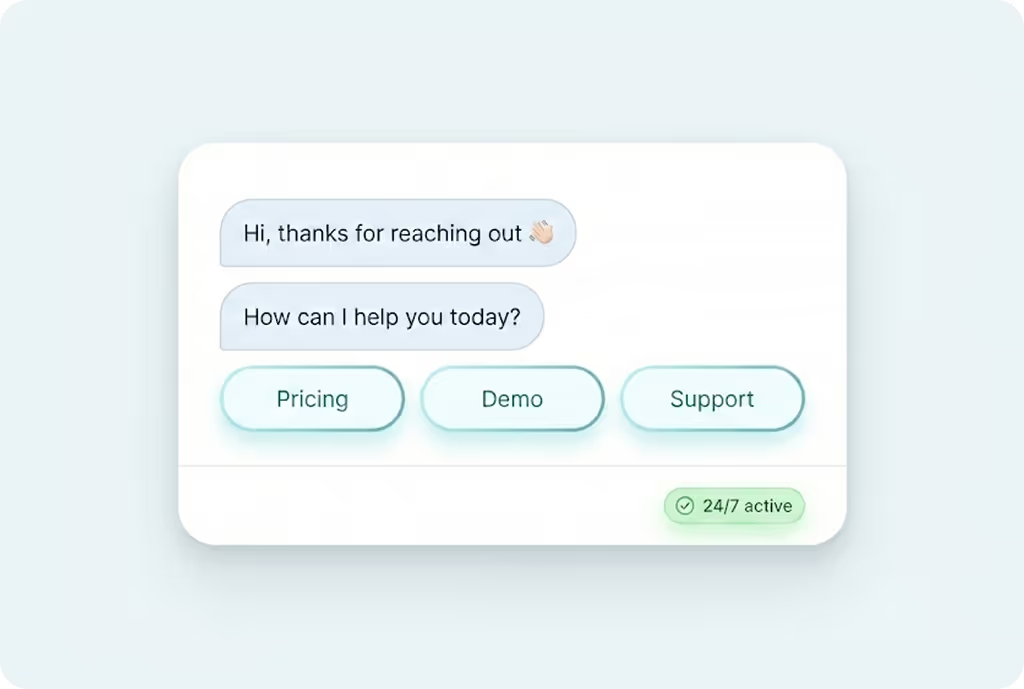
Chatbots handle two-way conversations. They chat with users and answer questions. WhatsApp Automation, on the other hand, manages when and how messages go out based on triggers or timing (like sending a follow-up after 2 hours of inactivity). Together, they create a complete system: chatbots engage instantly, automation keeps conversations alive.
Do I need coding skills to set up WhatsApp Automation?
Not at all. MyOperator provides a visual, no-code builder that lets you design workflows easily. You can set up triggers, conditions, and message sequences just by dragging and connecting blocks. In minutes, your entire WhatsApp process can run automatically.
Can I integrate WhatsApp Automation with my CRM or other tools?
Yes. MyOperator integrates seamlessly with popular CRMs like Zoho, HubSpot, Salesforce, and Freshdesk. This means your WhatsApp messages can be triggered directly from your CRM actions. For example, when a lead moves to a new stage or a deal is closed. It keeps your sales and support perfectly aligned.
Can I send automated marketing campaigns to my customers?
Yes. Every message sent through MyOperator Automation uses the official WhatsApp Business API. All campaigns and triggers use Meta-approved message templates, ensuring compliance, trust, and high deliverability whether you’re sending marketing, transactional, or reminder messages.
Is WhatsApp Automation compliant with Meta’s policies?
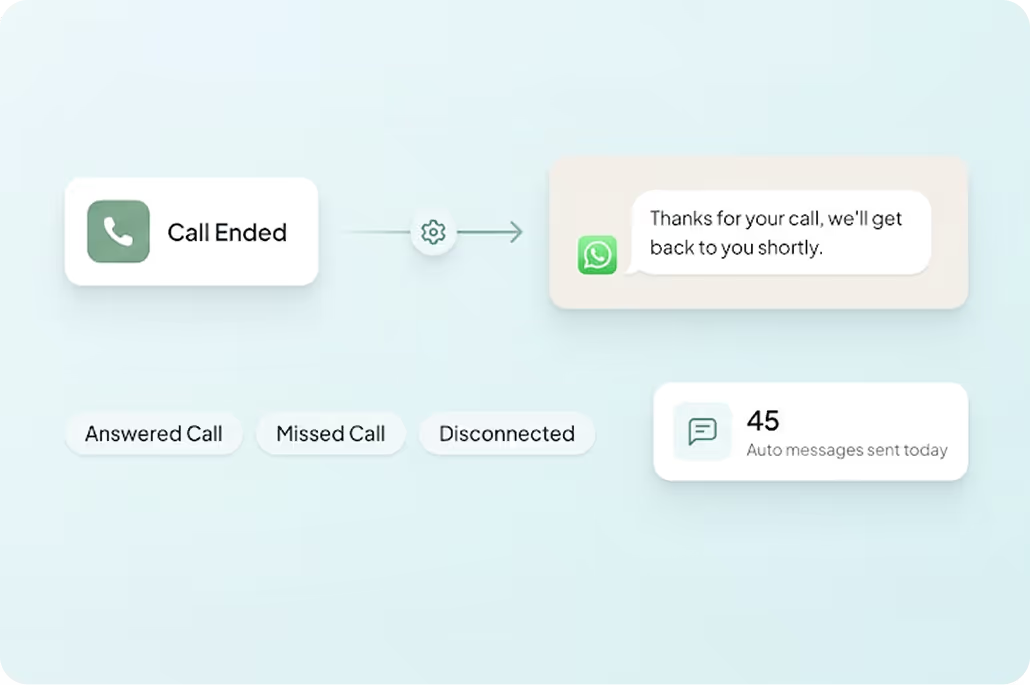
Yes. When a business misses a call, an automatic WhatsApp message can be sent instantly. Customers can choose to request a callback or book a slot. This reduces the chances of losing warm leads.
Can automation work alongside chatbots and live agents?
Yes. Automation takes care of timing and triggers, while chatbots and agents handle conversations. For example, automation can send a lead-capture message instantly, the chatbot can qualify the lead, and if needed, the chat is routed to your agent with all context intact.This ensures every inquiry is handled at the perfect time, by the right channel.
Does MyOperator provide analytics and reporting for automated messages?
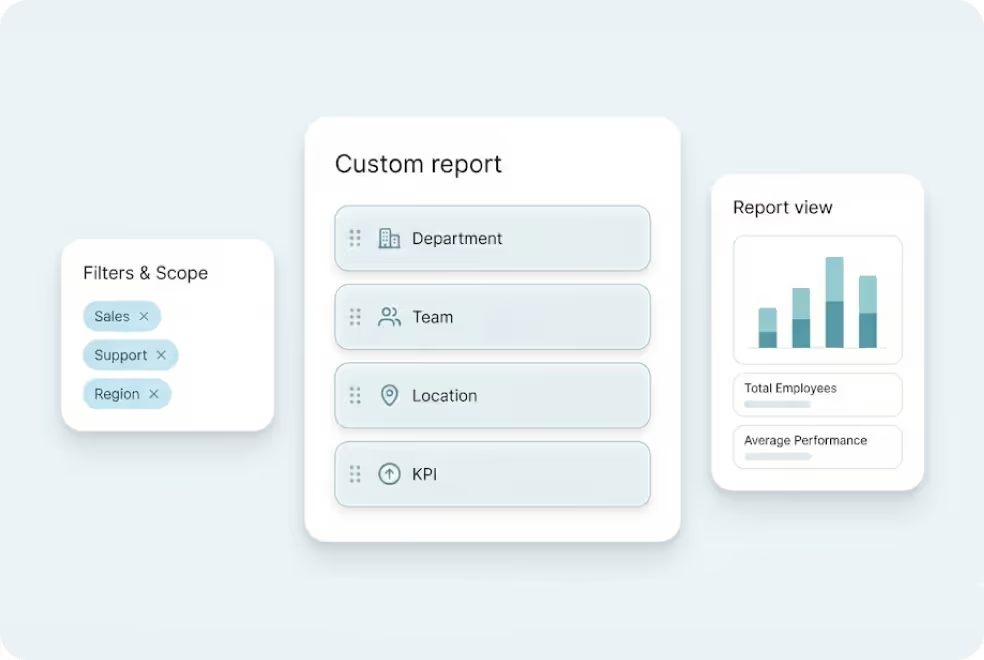
Definitely. Every automated message, flow, and campaign is tracked in real time. You can monitor delivery rates, response times, and conversions directly from the MyOperator dashboard. These insights help you improve timing, messaging, and workflows for better results.
Who can use MyOperator’s WhatsApp Automation? Small or large businesses?
Both. WhatsApp Automation is built to scale. Small businesses use it to reduce manual effort and stay responsive, while large enterprises use it for high-volume workflows, drip sequences, and CRM-integrated triggers.It grows with your needs, making it equally effective for startups, e-commerce stores, and established enterprises.

 Get Autopilot For Your WhatsApp Flows.