








Why Use After Call WhatsApp Automation
50%
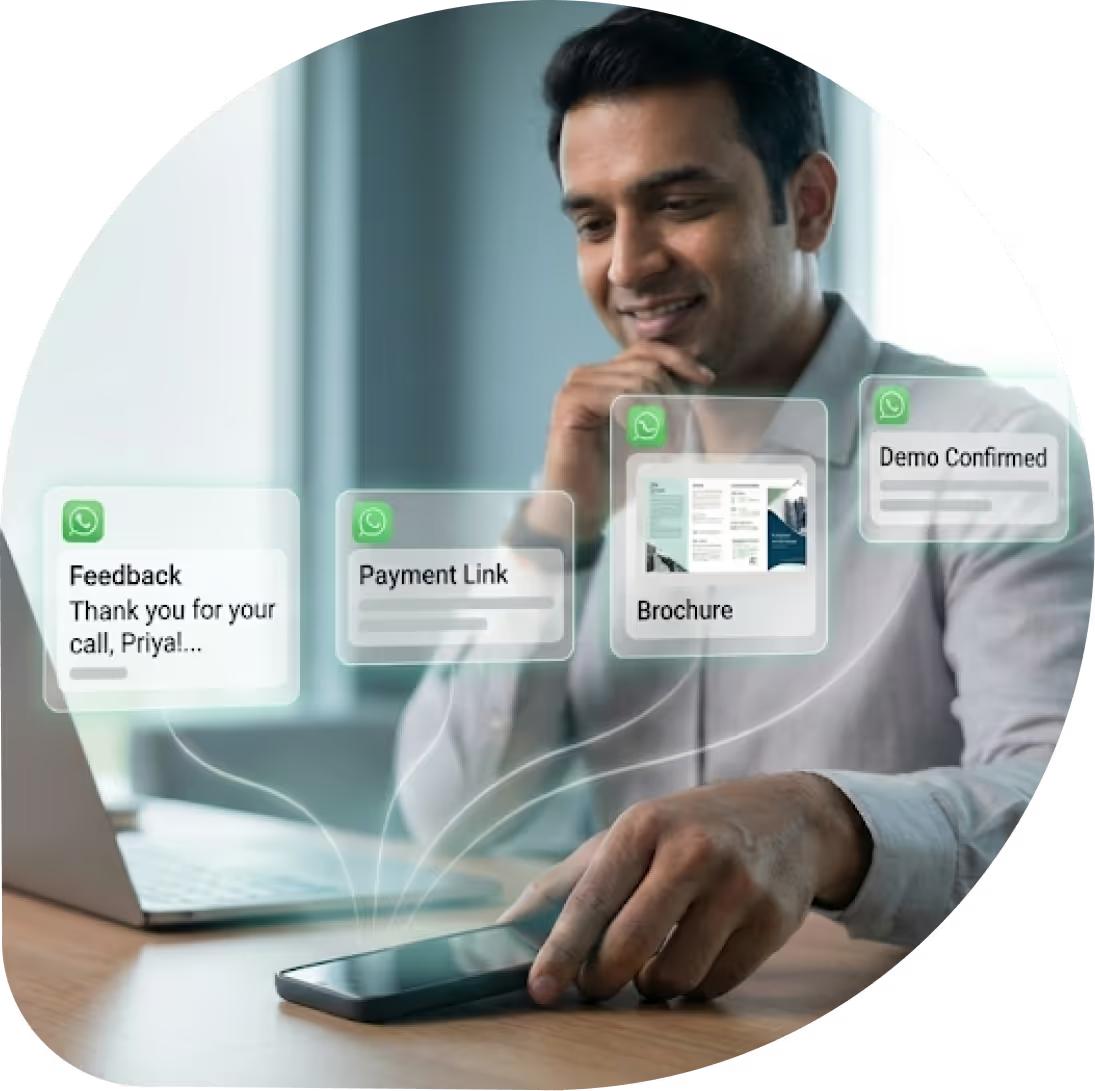
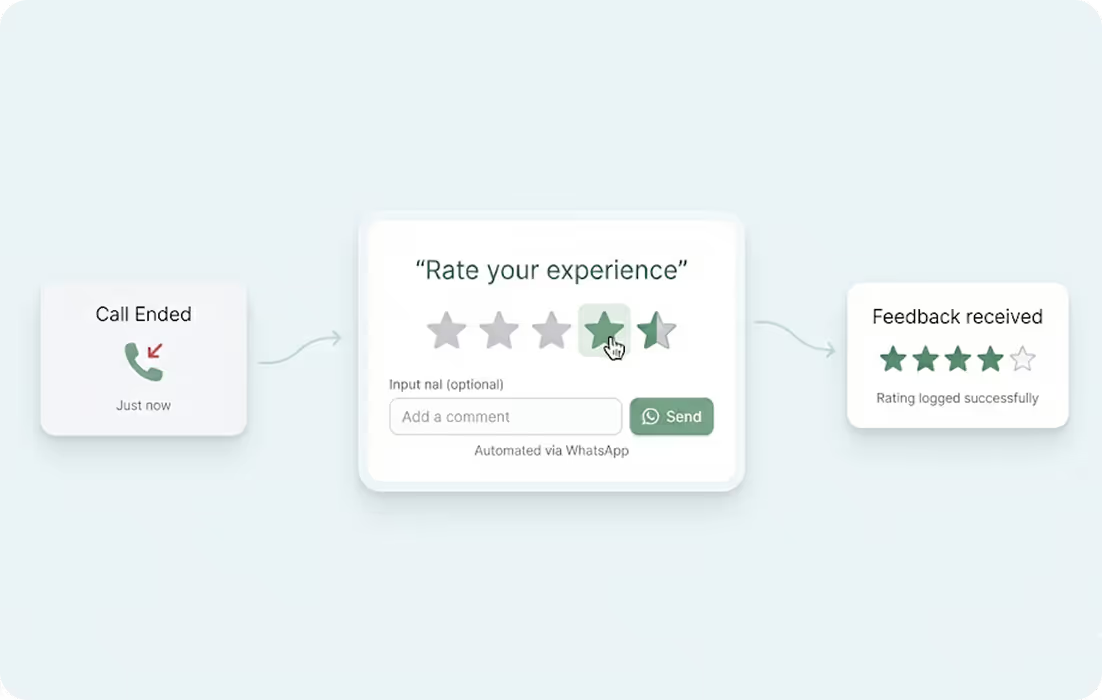
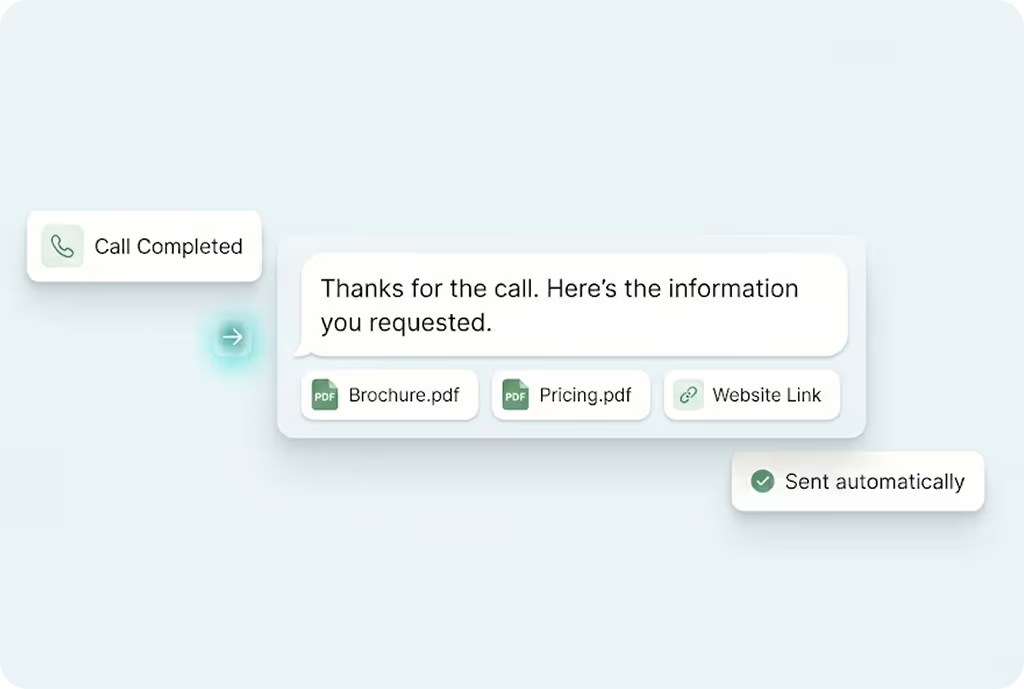
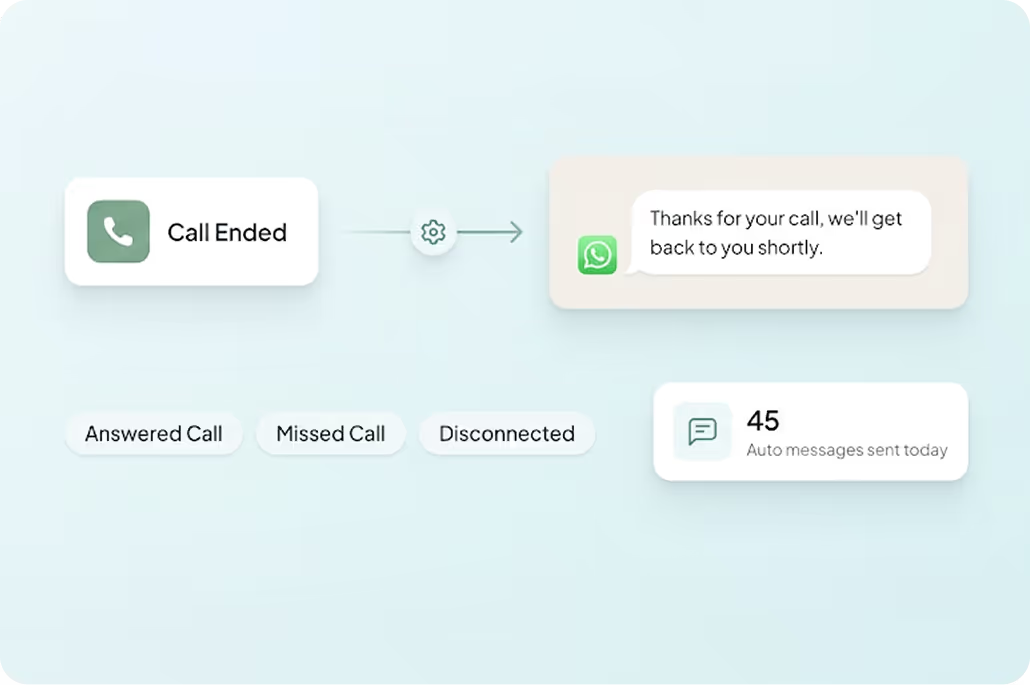
Trigger instant WhatsApp messages after call completion.
3x
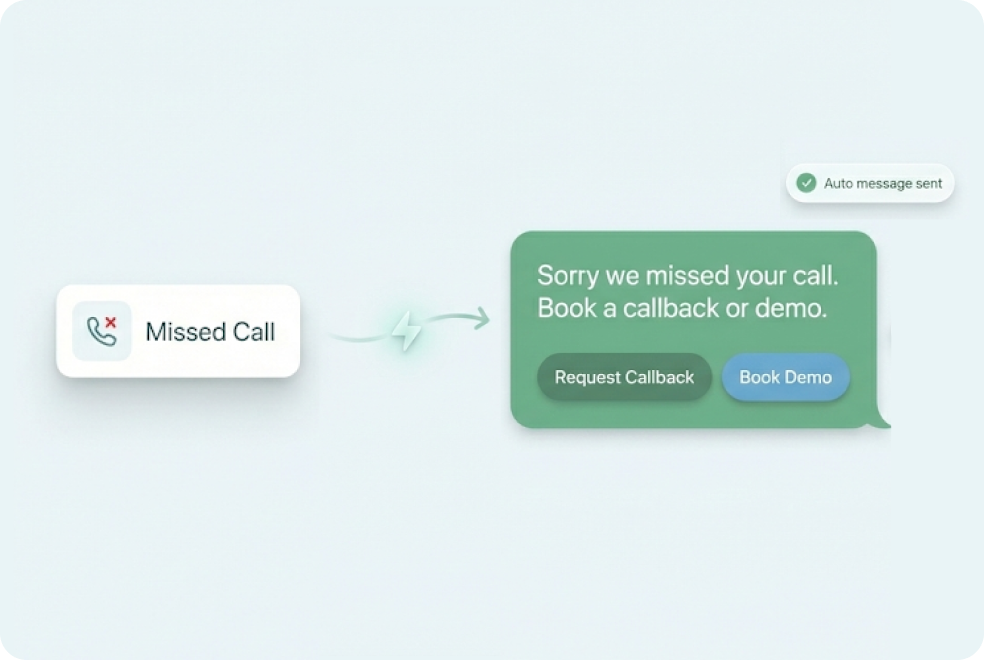
Missed call trigger automations help recover lost leads.
40%
Pre-approved and automated templates reduce follow-up delays.
What Is After Call WhatsApp Automation
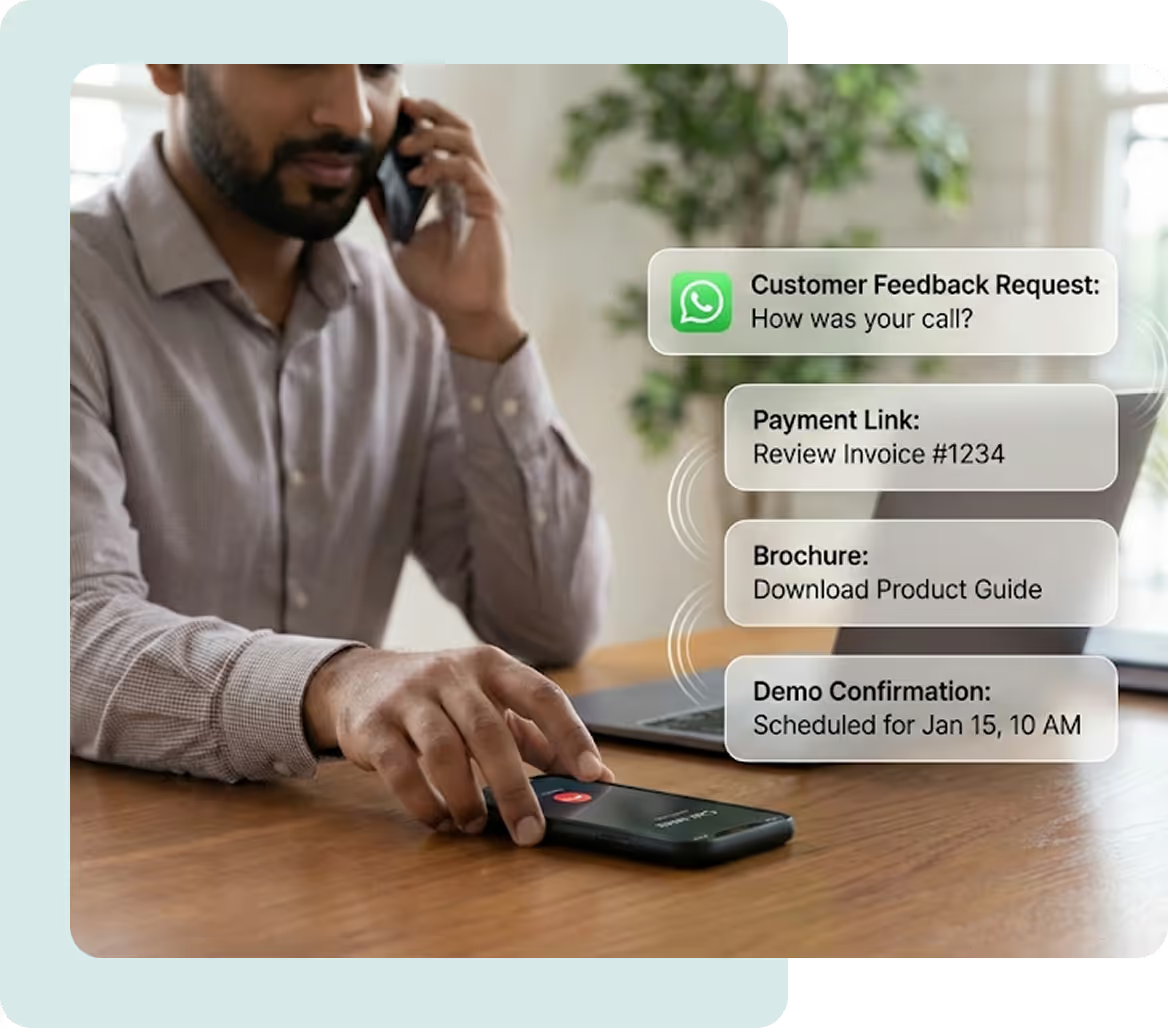
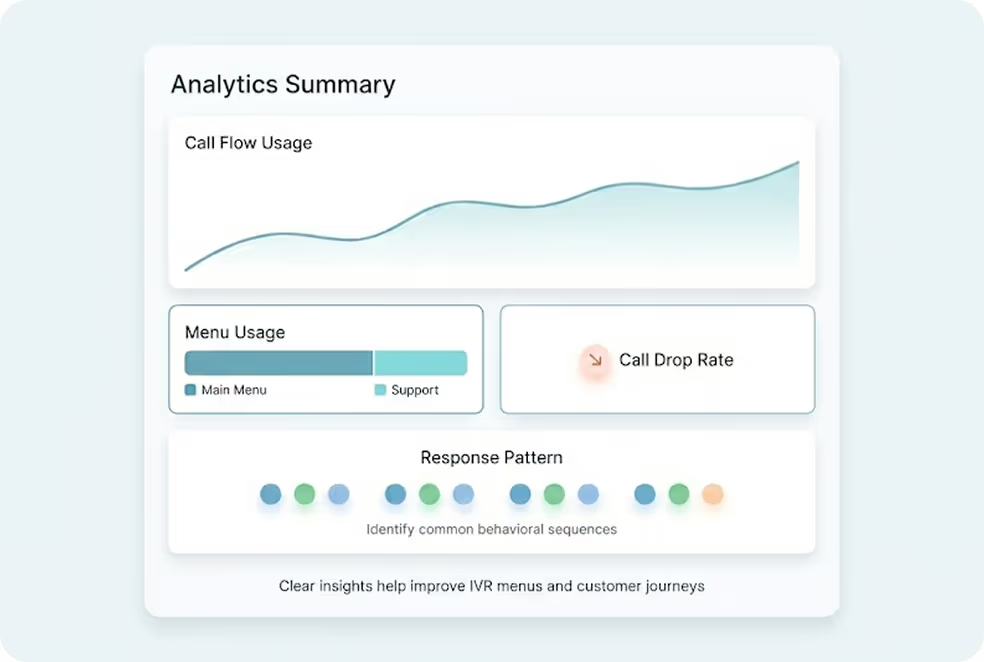
With MyOperator, you can build template-based responses to collect feedback, share documents, send payment links, schedule demos or trigger other chatbots. This ensures every call is followed up by a consistent, instant, and professional WhatsApp response.

What You Get With MyOperator After Call WhatsApp Automation
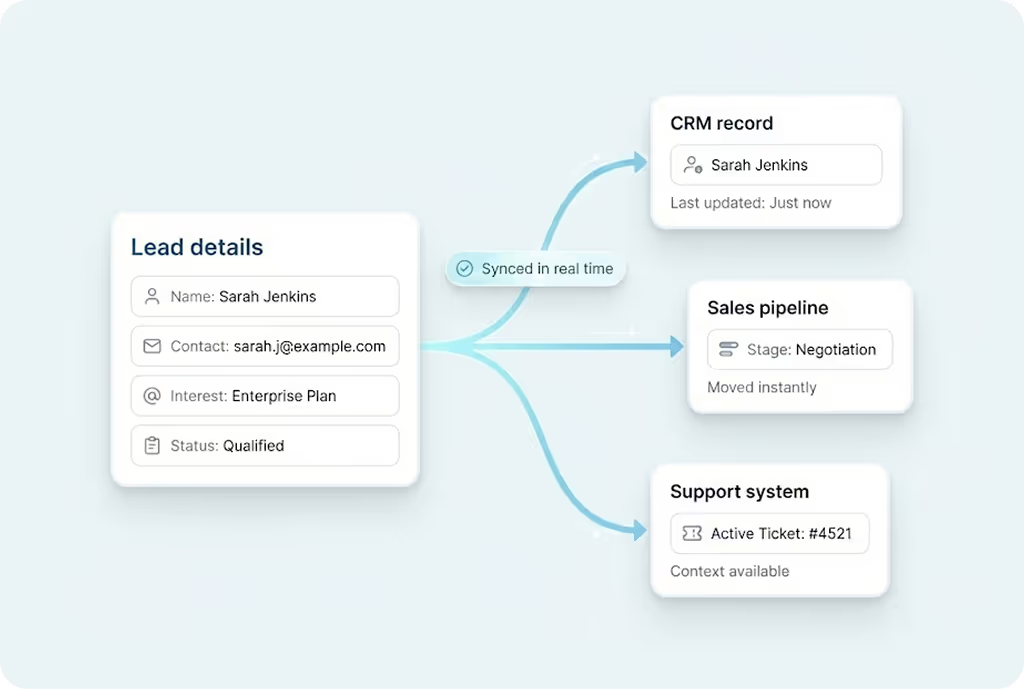
How After Call WhatsApp Automation Works
What Businesses Say
About MyOperator
.webp)







12,000+ Businesses Activated, 2.5 Billion Conversations Enabled
4.6 Google Rating

12,000+ Businesses Activated, 2.5 Billion Conversations Enabled
4.6 Google Rating

12,000+ Businesses Activated, 2.5 Billion Conversations Enabled
4.6 Google Rating

12,000+ Businesses Activated, 2.5 Billion Conversations Enabled
4.6 Google Rating

12,000+ Businesses Activated, 2.5 Billion Conversations Enabled
4.6 Google Rating

12,000+ Businesses Activated, 2.5 Billion Conversations Enabled
4.6 Google Rating
Find The Perfect Ride
For Your Business Needs
Compact
₹2,500/month
.webp)
For small teams that need WhatsApp Business API & missed calls.
Sedan
₹5,000/month
.webp)
For growing businesses that need more users & unlimited IVR+ calling.
SUV
₹15,000/month
.webp)
For teams that also need performance analytics and integrations.
Enterprise
₹2,00,000/month
Starts at

For large organisations that need customization and dedicated support.
What Is MyOperator
The Channels
.webp)
WhatsApp Suite
.webp)
Official WhatsApp Business API with automation, campaigns, and shared inboxes.
- Broadcasts, CTWA, and AI replies
- Multi-agent chat and handovers
- Blue tick and verification

Call Suite
Cloud calling infrastructure built for high-volume inbound and outbound operations.
- IVR, virtual numbers, and dialers
- Tracking, recordings, and smart routing
- Synced with WhatsApp & AI flows

The Workforces

AI Agents
AI voicebots and chatbots that handle first response, qualification, and routing.
- Works across WhatsApp + Calls
- Learns from real conversation data
- Escalates only when needed

Human Experts
Sales and support teams step in with complete conversation context.
- Full view of past chats and calls
- Faster resolution and follow-ups
- Better outcomes across the funnel
After Call WhatsApp Automation FAQs

.avif)



.webp)


