





Call Management Suite

Unify customer conversations in
one place withOmichannel Inbox

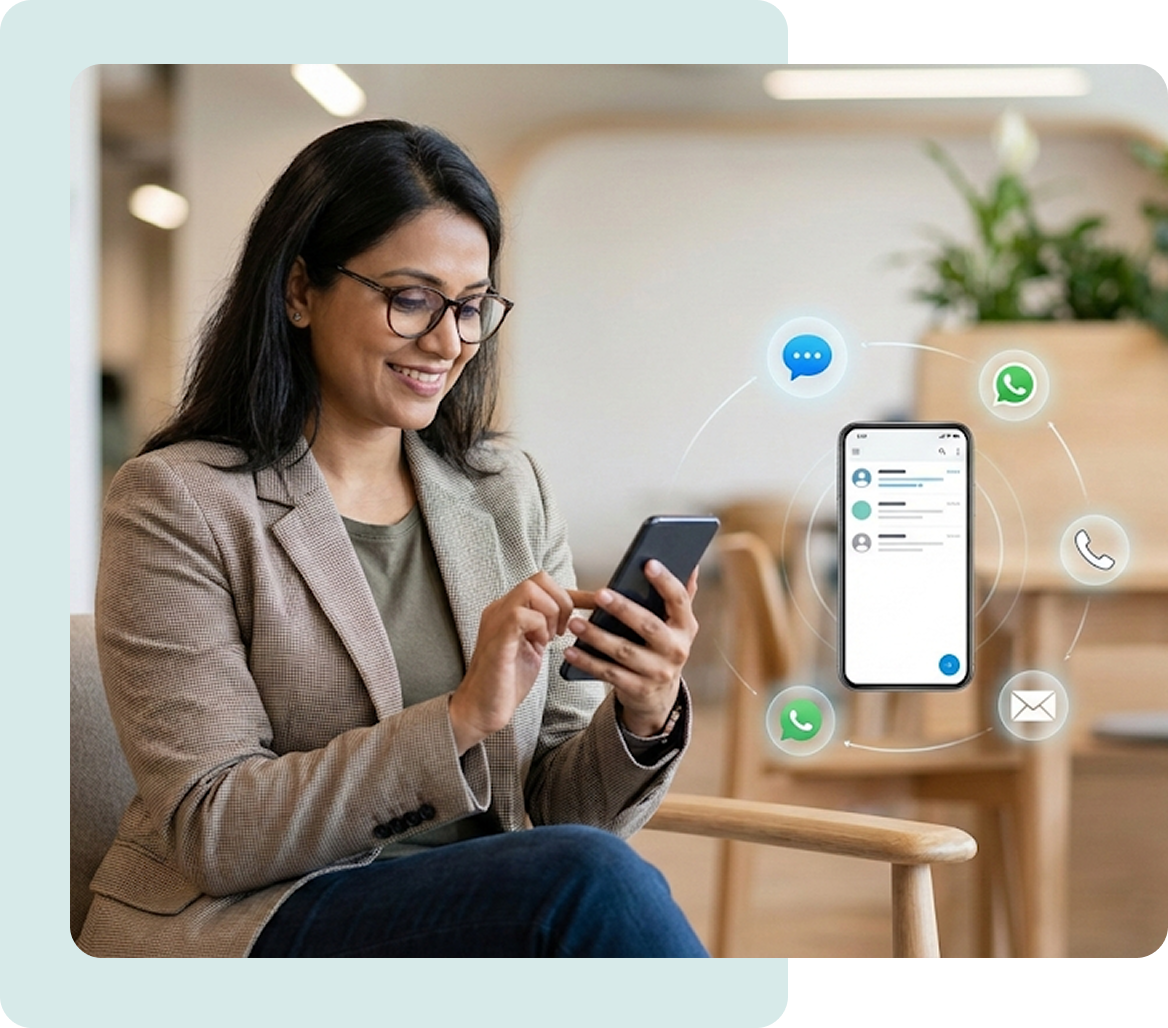
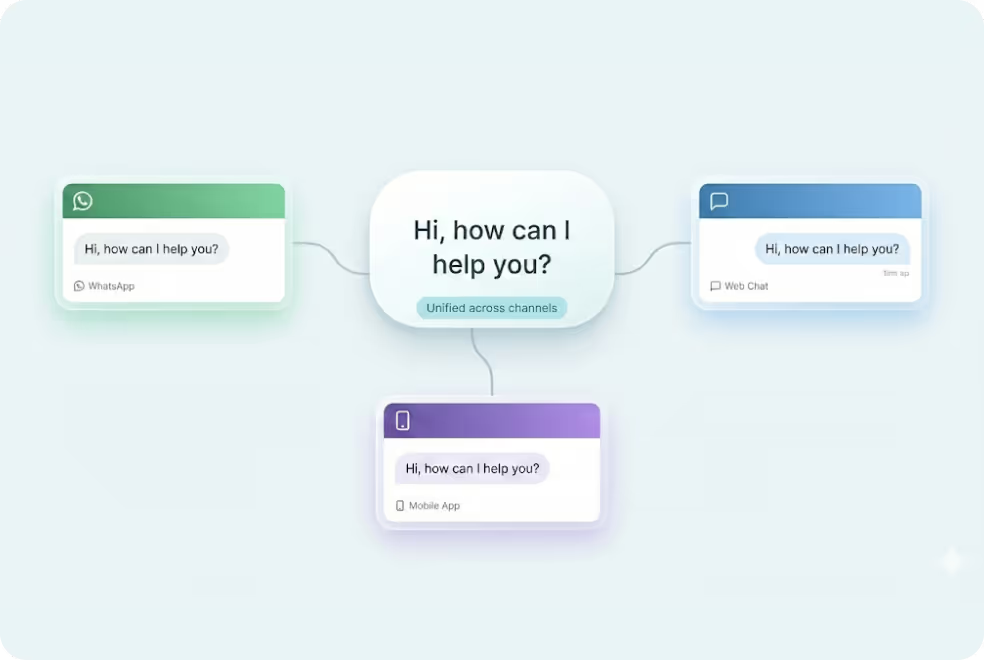
MyOperator Omnichannel Inbox helps sales and support teams unify WhatsApp, calls, SMS, and chat for seamless multi-channel visibility.

15 Years of Trust. 12,000+ Brands Strong.

Why Use MyOperator’s Omnichannel Inbox

How MyOperator's Omnichannel Inbox Works

01
Step 1: Connect Inbox
Integrate WhatsApp, calls, SMS, and website chat into MyOperator's shared inbox.
02
Step 2: Organize Inbox
Organize chats and calls in the shared inbox using tags, categories, and assignment controls.
03
Step 3: Respond & Track
Enable quick responses using shared context, with real-time activity logs for tracking.

What Businesses Say
About MyOperator

Find The Perfect Ride
For Your Business Needs

Compact

₹2,500/month

For small teams that need WhatsApp Business API & missed calls.

Sedan

₹5,000/month

For growing businesses that need more users & unlimited IVR+ calling.

SUV

MOST POPULAR

₹15,000/month

For teams that also need performance analytics and integrations.

Enterprise

₹2,00,000/month

Starts at

For large organisations that need customization and dedicated support.

What Is MyOperator

MyOperator is a Business AI Operator that brings together AI agents and human experts for unified communication on WhatsApp and Calls.

The Channels

WhatsApp Suite

Official WhatsApp Business API with automation, campaigns, and shared inboxes.

  • Broadcasts, CTWA, and AI replies
  • Multi-agent chat and handovers
  • Blue tick and verification

Call Suite

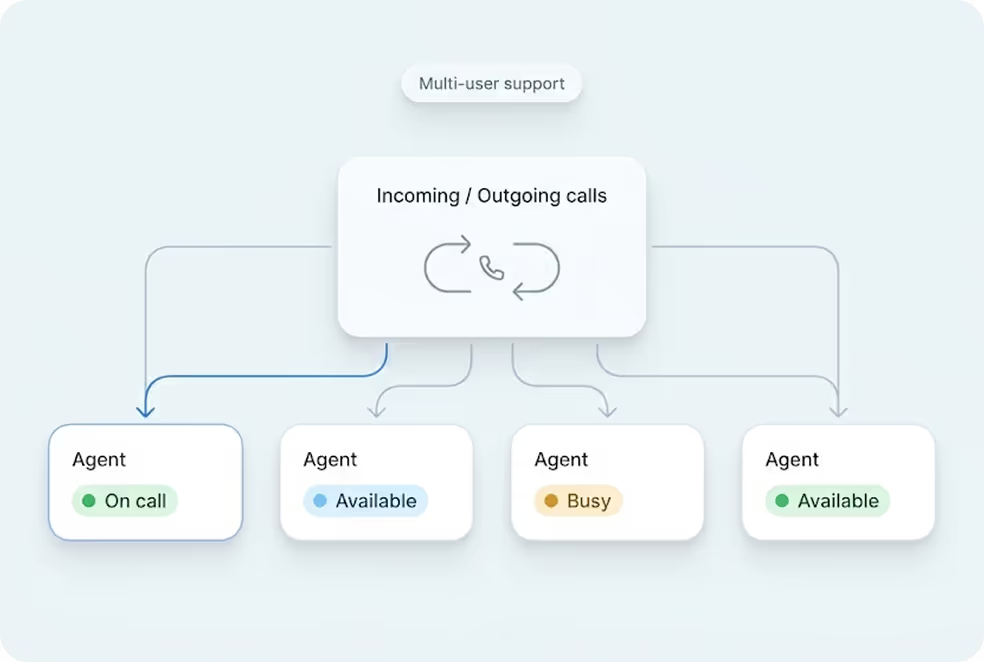
Cloud calling infrastructure built for high-volume inbound and outbound operations.

  • IVR, virtual numbers, and dialers
  • Tracking, recordings, and smart routing
  • Synced with WhatsApp & AI flows

The Workforces

AI Agents

AI voicebots and chatbots that handle first response, qualification, and routing.

  • Works across WhatsApp + Calls
  • Learns from real conversation data
  • Escalates only when needed

Human Experts

Sales and support teams step in with complete conversation context.

  • Full view of past chats and calls
  • Faster resolution and follow-ups
  • Better outcomes across the funnel

Omnichannel Inbox FAQs

What is an Omnichannel Inbox and how does it help businesses?
An Omnichannel Inbox combines all customer conversations across WhatsApp, calls, SMS, and chat into one place. This helps teams manage customer communication without switching between apps. Agents see full context, respond faster and maintain continuity in every conversation.
What channels can be managed through MyOperator Omnichannel Inbox?
You can manage WhatsApp messages, call logs, SMS conversations, and website chat. All interactions appear in one unified panel. This ensures that every inquiry is tracked, assigned and resolved consistently.
How does an Omnichannel Inbox improve team productivity?
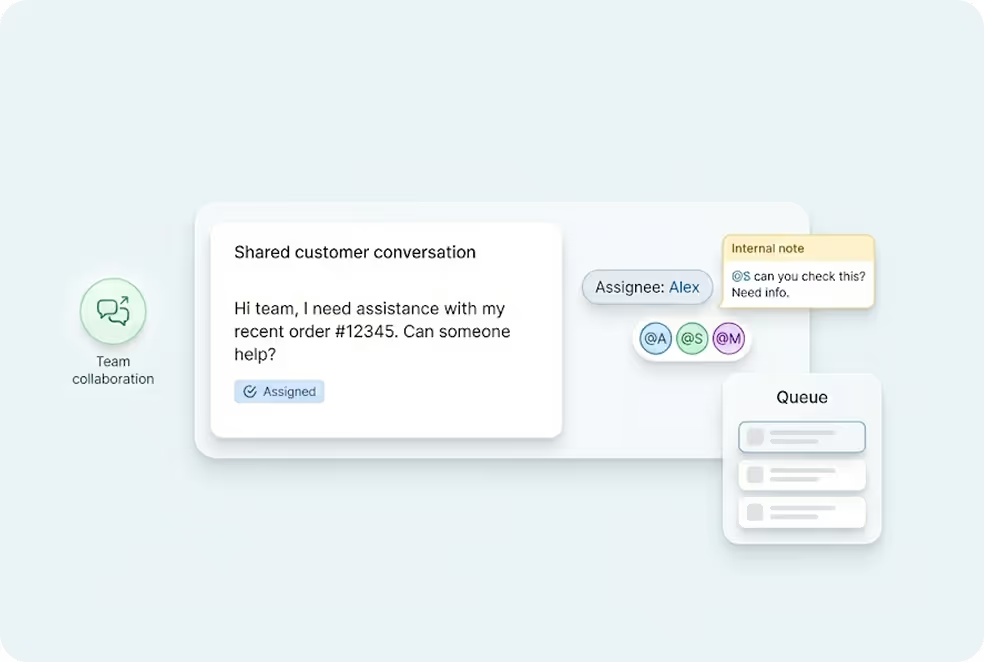
A unified inbox eliminates channel switching and confusion between tools. Agents can view context, assign chats, leave notes and manage queues directly. This reduces handling time and improves response accuracy for every team member.
Can I track conversation history for each customer?
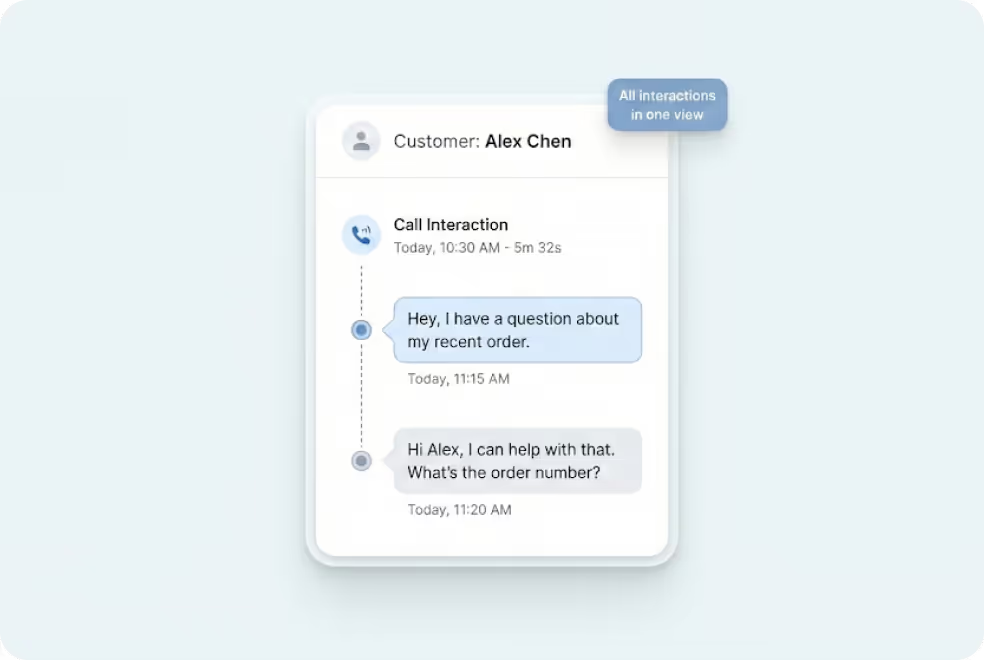
Yes. Each customer gets a single continuous thread that shows messages, calls, missed calls, attachments and previous agent activity. Teams never lose context and can pick up conversations instantly.
Does it support assignment and internal collaboration?
Yes. Supervisors can assign chats to agents, add internal notes and move conversations between teams. This improves coordination and prevents duplicate responses.
Can I use automation with the Omnichannel Inbox?
Yes. You can set up routing logic, quick replies, keyword triggers and chatbot flows to assist agents. Automation helps teams respond faster and handle repetitive tasks.
Does it integrate with CRM systems?
The inbox supports integrations with CRM platforms like Zoho, Freshdesk, Salesforce, LeadSquared and other custom systems. This allows contact details, history and follow up actions to remain synchronized.
Is customer data secure inside the unified inbox?
Yes. MyOperator uses encryption, role based access, activity logs and secure cloud infrastructure to protect all communication data. Only authorized users can access specific channels or reports.
Can I monitor team performance using the inbox?
Yes. The inbox connects with MyOperator analytics which shows agent workload, response time, message counts and customer trends. Managers can optimize resources using real time insights.
How fast is the setup?
Setup is quick. Once WhatsApp and the call system are connected, the unified inbox becomes operational immediately. Most teams start using it on the same day.

Centralize Conversations with a Shared Inbox.