





Why Integrate MyOperator with Zoho Desk

What Businesses Say
About MyOperator

How to Set Up the Zoho Desk Integration

01
Connect Zoho Desk
Authorize MyOperator to access your Zoho Desk account and add users and agents.
02
Configure Triggers
Choose call and message triggers (e.g., create ticket on missed call, pop-up on incoming call, etc.).
03
Automate & Monitor
Set routing rules, templates, and SLAs and monitor call and message analytics to improve performance.

Find The Perfect Ride
For Your Business Needs

Compact

₹2,500/month

For small teams that need WhatsApp Business API & missed calls.

Sedan

₹5,000/month

For growing businesses that need more users & unlimited IVR+ calling.

SUV

MOST POPULAR

₹15,000/month

For teams that also need performance analytics and integrations.

Enterprise

₹2,00,000/month

Starts at

For large organisations that need customization and dedicated support.

What Is MyOperator

MyOperator is a Business AI Operator that brings together AI agents and human experts for unified communication on WhatsApp and Calls.

The Channels

WhatsApp Suite

Official WhatsApp Business API with automation, campaigns, and shared inboxes.

Call Suite

Cloud calling infrastructure built for high-volume inbound and outbound operations.

The Workforces

AI Agents

AI voicebots and chatbots that handle first response, qualification, and routing.

Human Experts

Sales and support teams step in with complete conversation context.

Zoho Desk Integration FAQs

What does MyOperator’s Zoho Desk integration do?
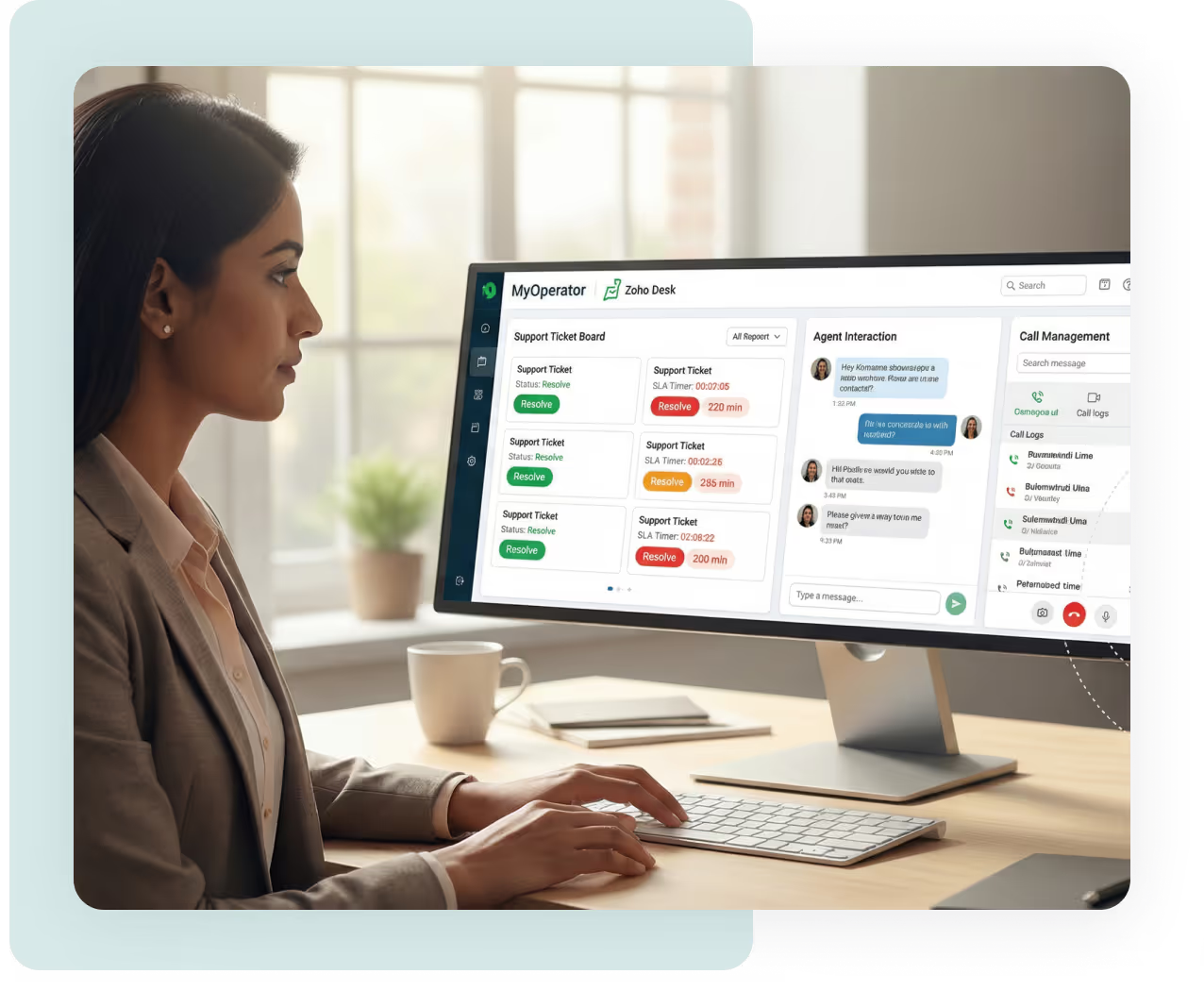
It embeds MyOperator telephony and WhatsApp into Zoho Desk so agents can make/receive calls, send WhatsApp updates, and have every interaction logged automatically against tickets. The goal: one screen, full context, faster resolution.
Can agents make and receive calls inside Zoho Desk?
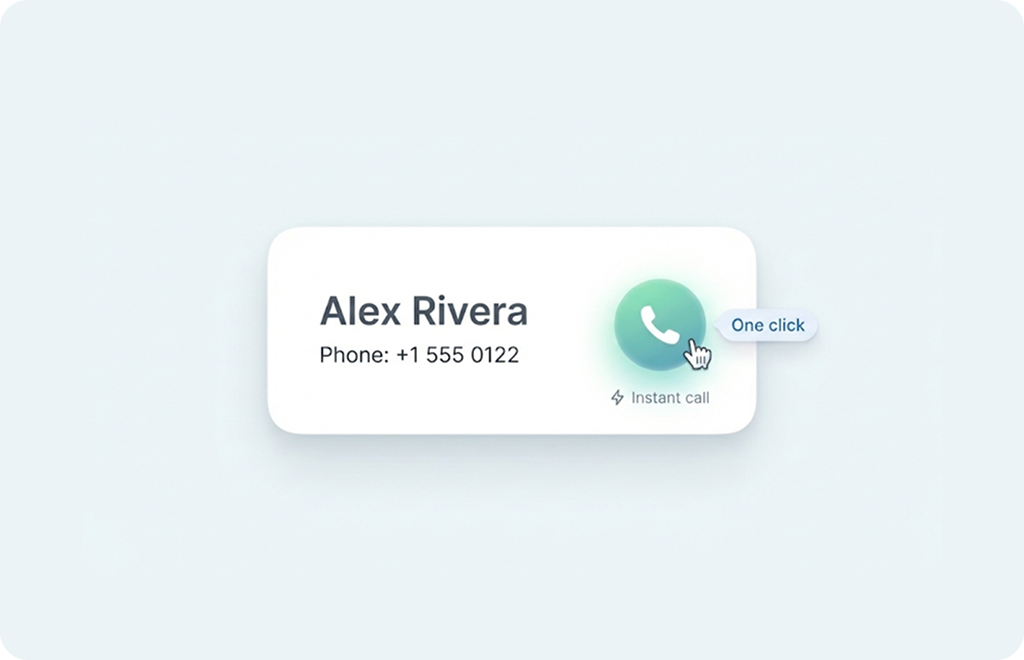
Yes. Click-to-call from a ticket or contact and incoming call pop-ups let agents handle calls without leaving Zoho Desk, increasing speed and reducing manual dialing.
Will calls create or update tickets automatically?
Yes. You can configure rules so incoming calls create a new ticket or attach to an existing ticket. Call metadata (caller ID, duration, recording link) is stored with the ticket for future reference.
Can I use WhatsApp for ticket updates?
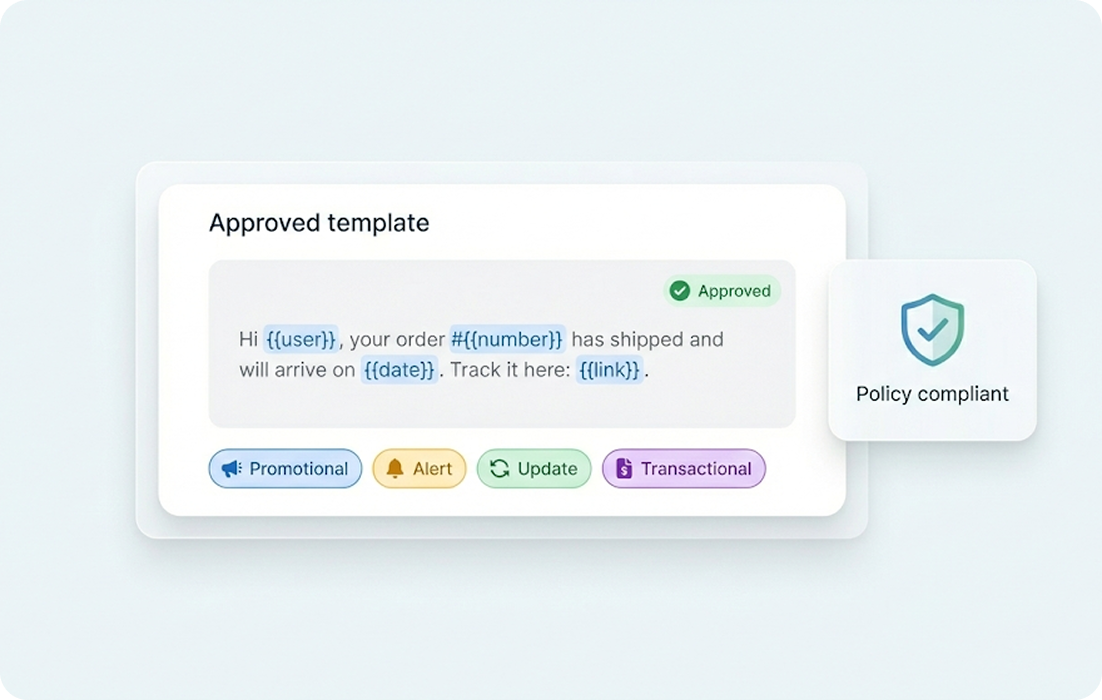
Yes. Use templated WhatsApp messages to notify customers when a ticket is created, updated or resolved. Templates can include ticket ID, summary, and next steps so customers stay informed without manual outreach.
Are call recordings and transcripts available in the ticket?
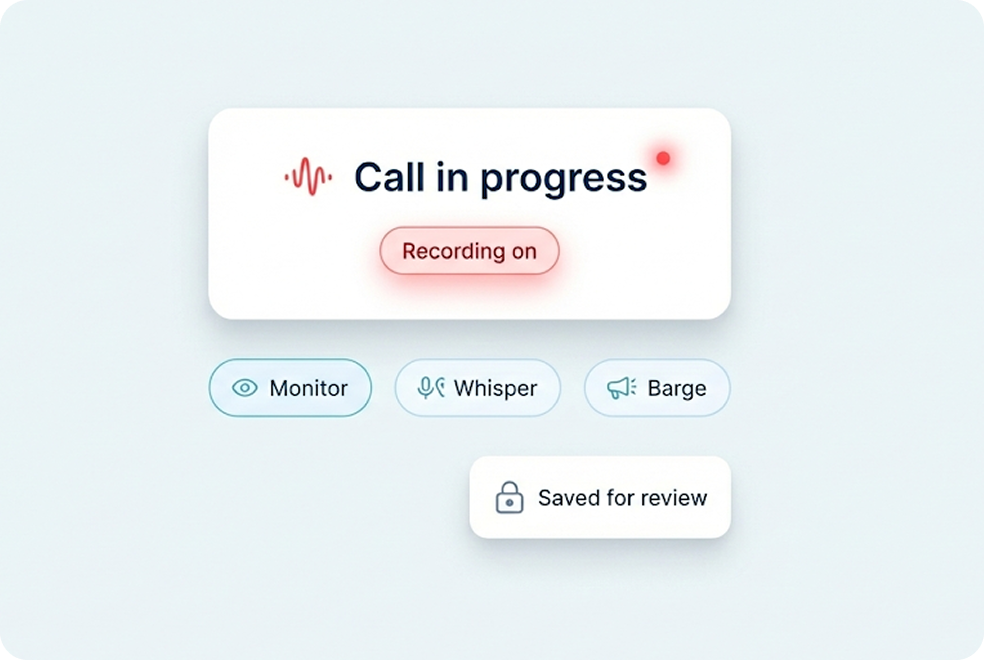
Yes. Calls recorded through MyOperator are attached to the ticket with an audio link and metadata. Transcription (if enabled) can be surfaced for faster agent review and quality checks.
Does this work with Zoho’s PhoneBridge ecosystem and other hosted PBX vendors?
Yes. Zoho supports multiple hosted PBX integrations (Twilio, RingCentral, Exotel, Knowlarity etc.), and MyOperator plugs into Zoho Desk with the same agent experience goals: pop-ups, click-to-call, auto-ticketing and logging. We designed our flows to match or exceed those standards.
Can I route calls based on ticket ownership or agent skills?
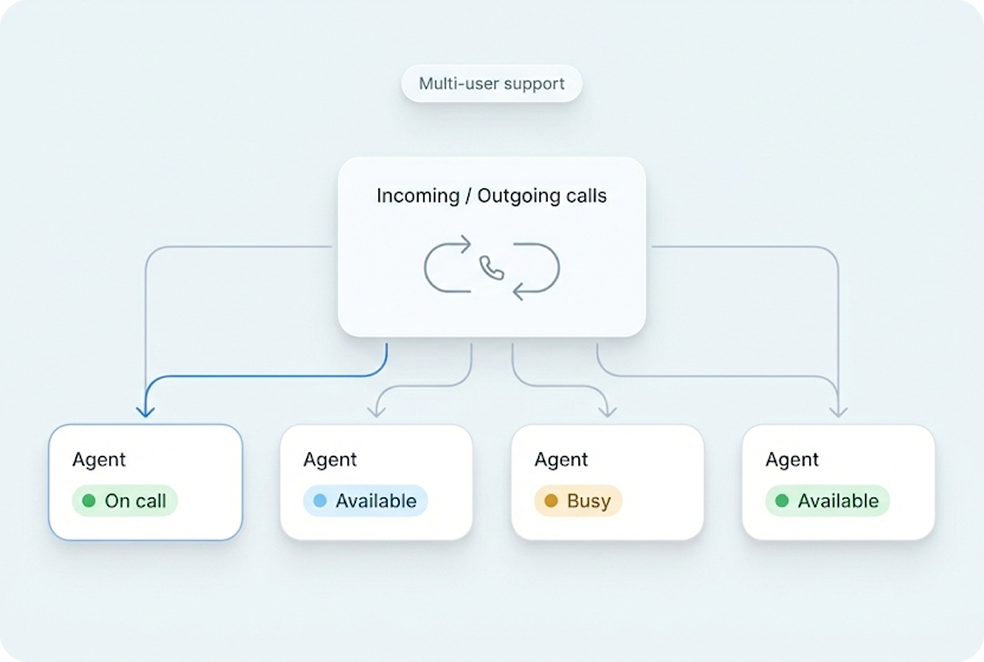
Yes. Set routing rules so calls reach the right queues or agents based on ticket type, customer priority, language or agent availability. This improves SLA adherence and reduces transfer rates.
How do I measure support impact?
Use MyOperator analytics to track first response time, average resolution time, call answer rate, and WhatsApp engagement. Those metrics map to ticket health inside Zoho Desk and help you optimize staffing and templates.
Is the integration secure and compliant?
Yes. Communications between MyOperator and Zoho use secure, encrypted APIs and follow standard data-protection practices. Message templates and opt-in flows for WhatsApp follow WhatsApp Business API rules.
Do I need developer resources to set this up?
No. The integration is built to be no-code for most standard setups. Authorize, map users, enable triggers and templates. Complex workflows can be customized with a small technical assist.
Will this work for contact centers as well as small support teams?
Yes. The integration scales from single-team helpdesks to large contact centers with routing, recording, SLA enforcement, and analytics. Plans can be sized to handle hundreds or thousands of concurrent calls.
What types of workflows can I automate?
Auto-ticket creation on missed calls, WhatsApp status updates, auto-escalations on SLA breaches, post-resolution NPS via WhatsApp, and follow-ups for pending callbacks are common workflows customers automate.
Do I need a MyOperator plan to use this integration?
Yes. This integration is available under MyOperator’s telephony and WhatsApp automation plans. Trials are available to test core features before scaling.
How quickly can I go live?
Typical go-live for a standard setup (authorization, user mapping, basic triggers) is a few hours to a couple of days depending on approvals for WhatsApp templates and number provisioning. Complex enterprise rollouts may take longer.

Respond Faster. Resolve Smarter.
Connect Better.