








Why Integrate MyOperator with
Zoho PhoneBridge
50%
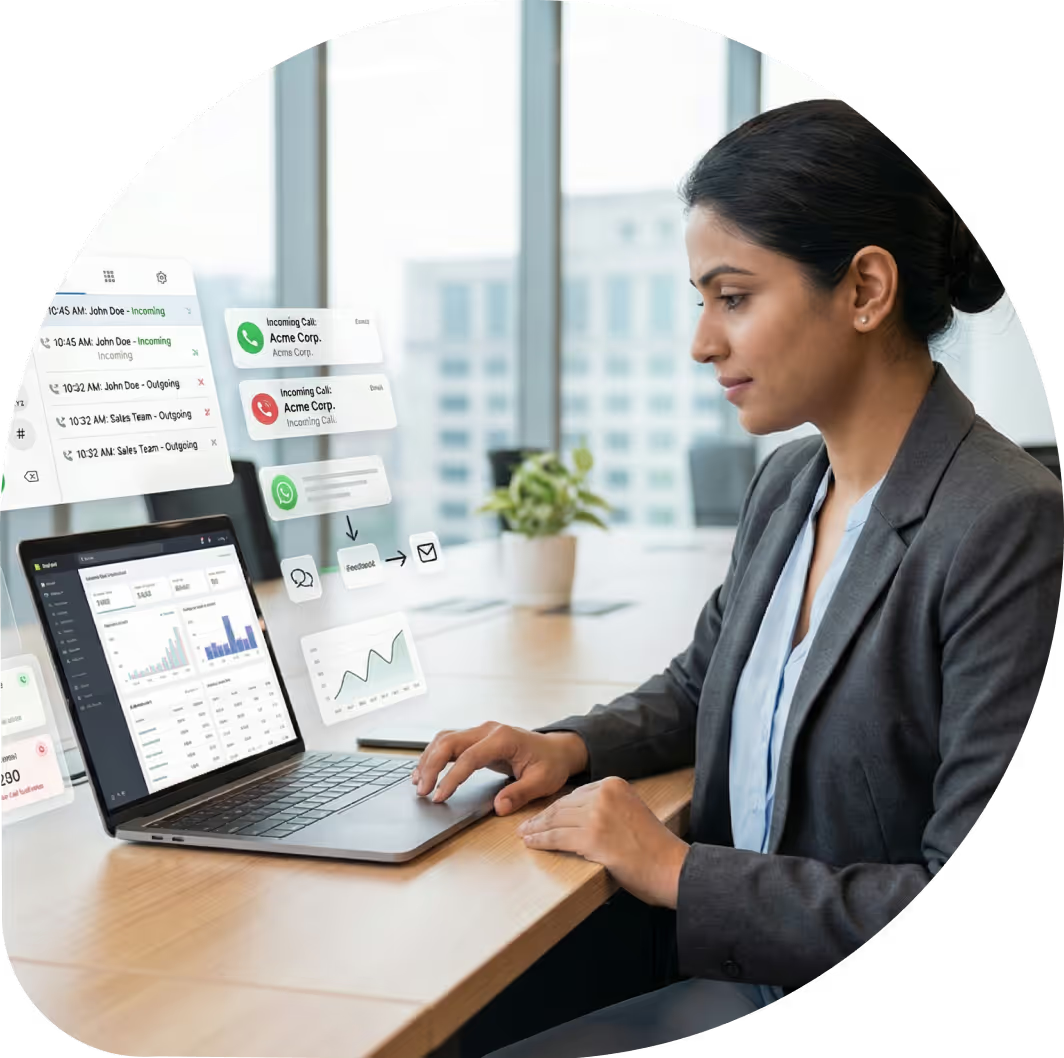
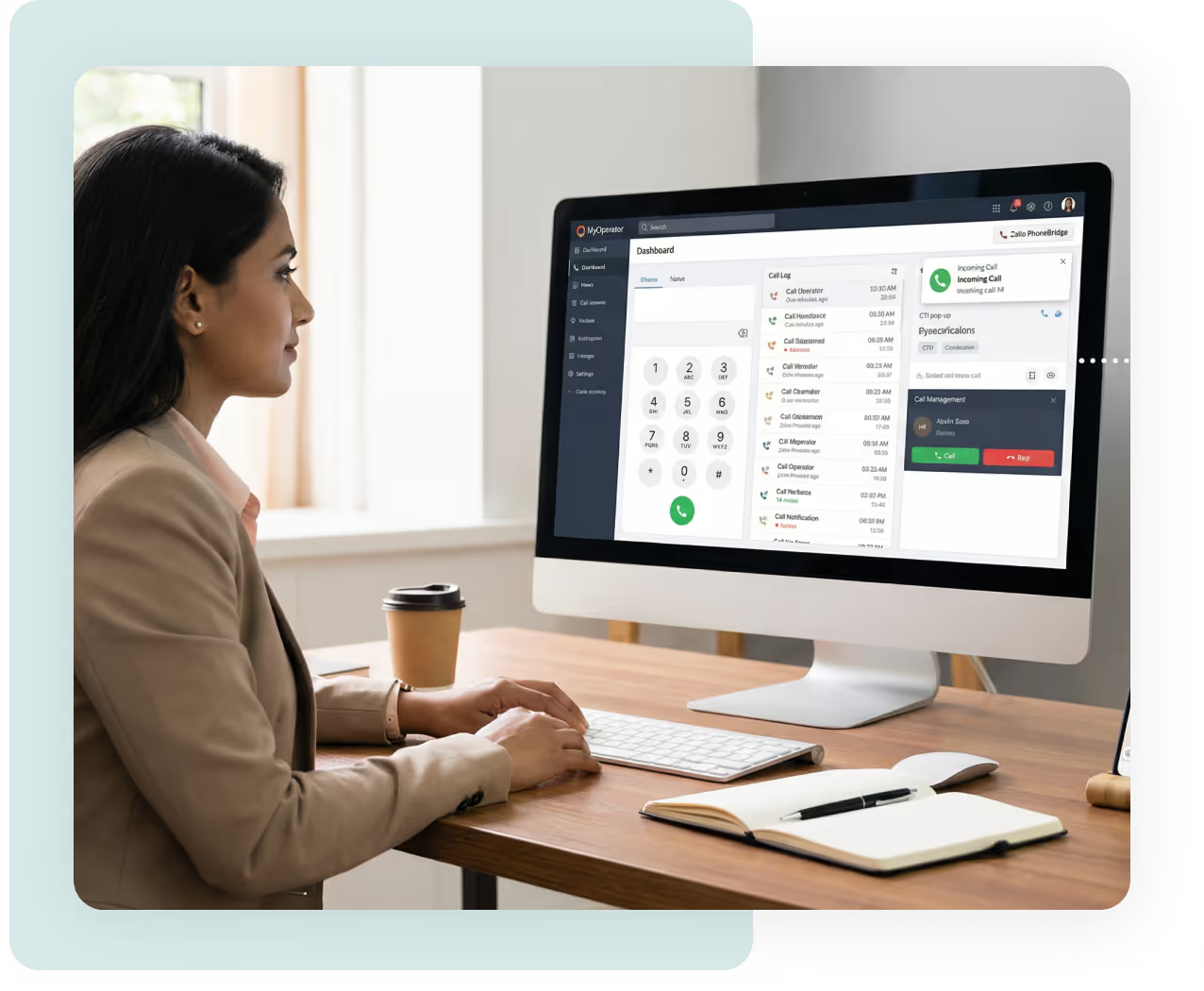
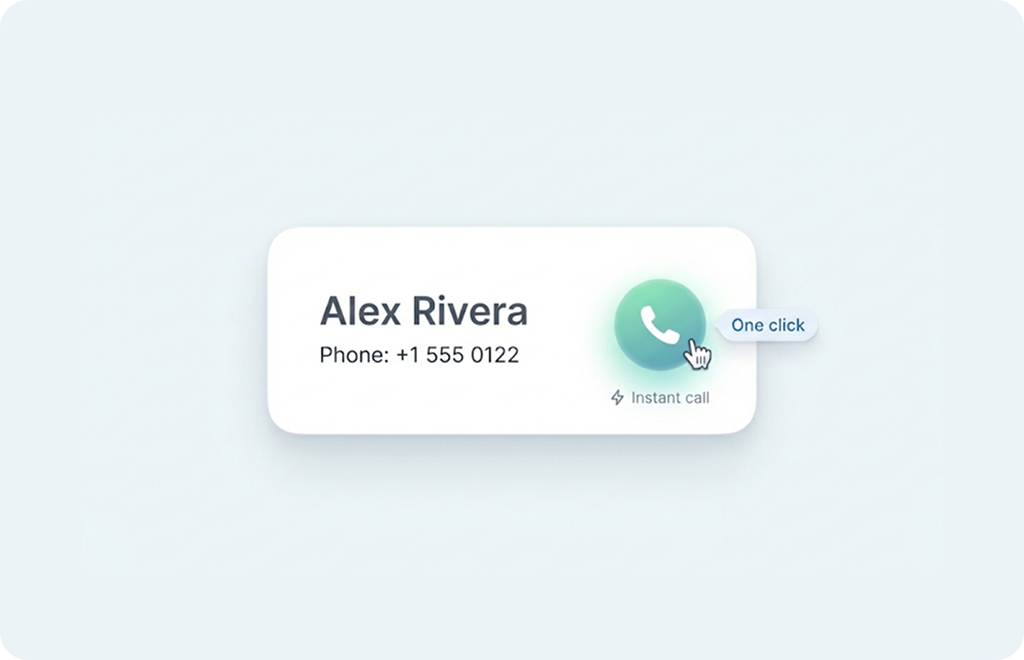
Click-to-call and instant pop-ups ensure agents respond in seconds.
40%
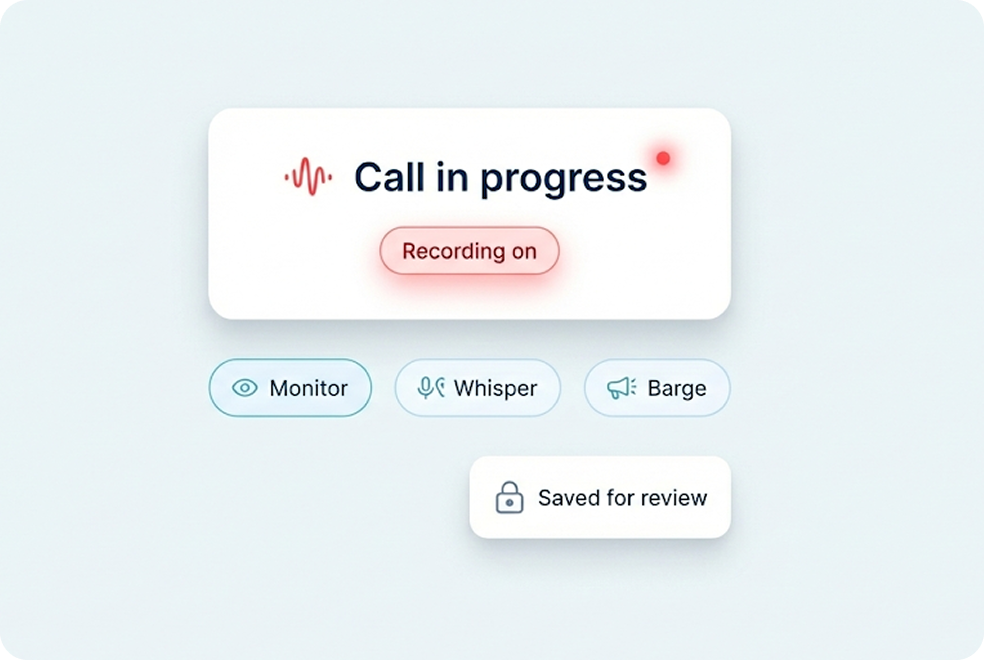
Automatically log, record, and sync every call within Zoho CRM.
100%
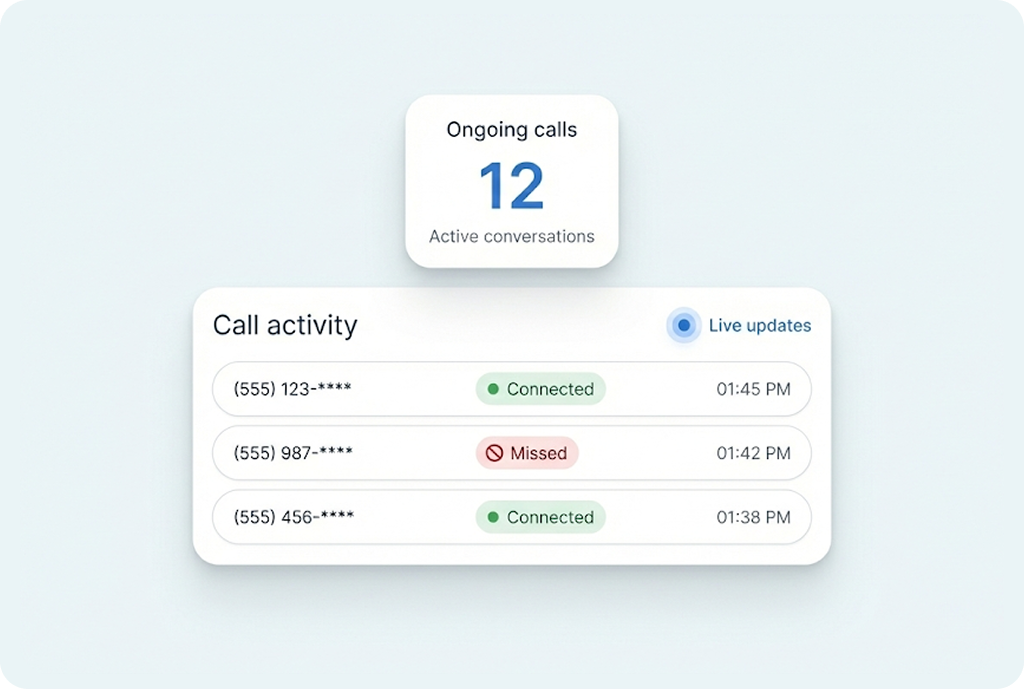
View complete call history, duration, and recordings for every customer.
What is MyOperator’s Zoho PhoneBridge Integration
AI-driven communication. Agents can make and receive calls directly from Zoho CRM, access call analytics, and ensure every interaction is automatically recorded and logged to the right contact, all without switching screens. It’s the simplest way to manage, track, and optimize every customer conversation.

What You Get with MyOperator’s
Zoho PhoneBridge Integration
.png)
What Businesses Say
About MyOperator
.webp)







12,000+ Businesses Activated, 2.5 Billion Conversations Enabled
4.6 Google Rating

12,000+ Businesses Activated, 2.5 Billion Conversations Enabled
4.6 Google Rating

12,000+ Businesses Activated, 2.5 Billion Conversations Enabled
4.6 Google Rating

12,000+ Businesses Activated, 2.5 Billion Conversations Enabled
4.6 Google Rating

12,000+ Businesses Activated, 2.5 Billion Conversations Enabled
4.6 Google Rating

12,000+ Businesses Activated, 2.5 Billion Conversations Enabled
4.6 Google Rating
How to Set Up the Zoho PhoneBridge Integration
Find The Perfect Ride
For Your Business Needs
Compact
₹2,500/month
.webp)
For small teams that need WhatsApp Business API & missed calls.
Sedan
₹5,000/month
.webp)
For growing businesses that need more users & unlimited IVR+ calling.
SUV
₹15,000/month
.webp)
For teams that also need performance analytics and integrations.
Enterprise
₹2,00,000/month
Starts at

For large organisations that need customization and dedicated support.
What Is MyOperator
The Channels
.webp)
WhatsApp Suite
.webp)
Official WhatsApp Business API with automation, campaigns, and shared inboxes.

Call Suite
Cloud calling infrastructure built for high-volume inbound and outbound operations.

The Workforces

AI Agents
AI voicebots and chatbots that handle first response, qualification, and routing.

Human Experts
Sales and support teams step in with complete conversation context.
Zoho PhoneBridge Integration FAQs

.avif)



.webp)


