





Why Use MyOperator APIs
& Webhooks Integration

What Businesses Say
About MyOperator

How to Set Up the API & Webhooks Integration

01
Obtain Keys & Configure
Generate your API key or OAuth token in MyOperator, Register your webhook endpoint URL and configure event types.
02
Build & Test
Use MyOperator’s sandbox environment or test credentials to verify API responses and webhook payloads.
03
Go Live & Monitor
Move to production, monitor usage and events in the dashboard, and scale custom workflows using the data streams.

Find The Perfect Ride
For Your Business Needs

Compact

₹2,500/month

For small teams that need WhatsApp Business API & missed calls.

Sedan

₹5,000/month

For growing businesses that need more users & unlimited IVR+ calling.

SUV

MOST POPULAR

₹15,000/month

For teams that also need performance analytics and integrations.

Enterprise

₹2,00,000/month

Starts at

For large organisations that need customization and dedicated support.

What Is MyOperator

MyOperator is a Business AI Operator that brings together AI agents and human experts for unified communication on WhatsApp and Calls.

The Channels

WhatsApp Suite

Official WhatsApp Business API with automation, campaigns, and shared inboxes.

Call Suite

Cloud calling infrastructure built for high-volume inbound and outbound operations.

The Workforces

AI Agents

AI voicebots and chatbots that handle first response, qualification, and routing.

Human Experts

Sales and support teams step in with complete conversation context.

API & Webhooks Integration FAQs

What is the difference between MyOperator’s API and Webhooks?
The API lets you initiate actions like starting a call or sending a WhatsApp message via REST calls.Webhooks let MyOperator push real-time event data into your system when things happen (e.g., call ended, message delivered). This enables reactive workflows without polling.
What kinds of events can I subscribe to with Webhooks?
You can subscribe to events such as call initiated, ringing, answered, ended, missed; message sent, delivered, read; and IVR selection events. Each webhook sends a JSON payload with relevant data and your custom identifiers.
Can I trigger calls or messages via API?
Yes, you can use REST endpoints to programmatically place outbound calls, send WhatsApp or SMS messages, schedule campaigns, and query status or logs. This allows full automation from your own backend or application.
How secure are the API and Webhook endpoints?
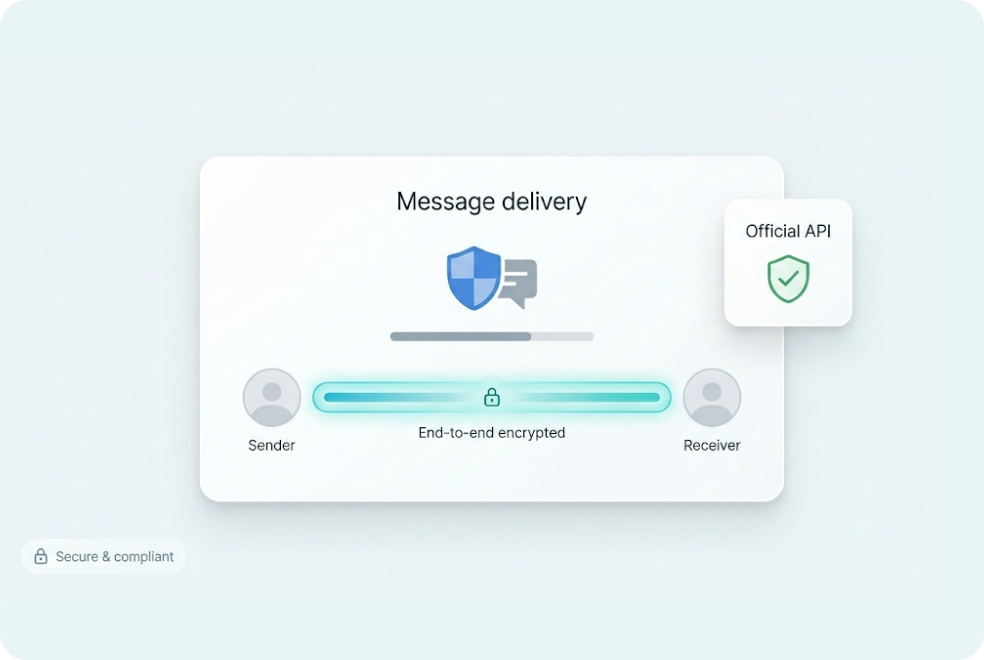
Apis are secured using API keys or OAuth tokens. Webhook callbacks can be verified via HMAC signatures or IP whitelisting to ensure only trusted events reach your systems. Logging and role-based access are part of the enterprise offering.
Is polling or event-driven architecture better for communication flows?
Event-driven (webhooks) is more efficient because your system receives a POST when something happens, rather than continuously polling for updates. It’s real-time and far less resource-intensive.
Can I use MyOperator APIs & Webhooks with my CRM or internal system?
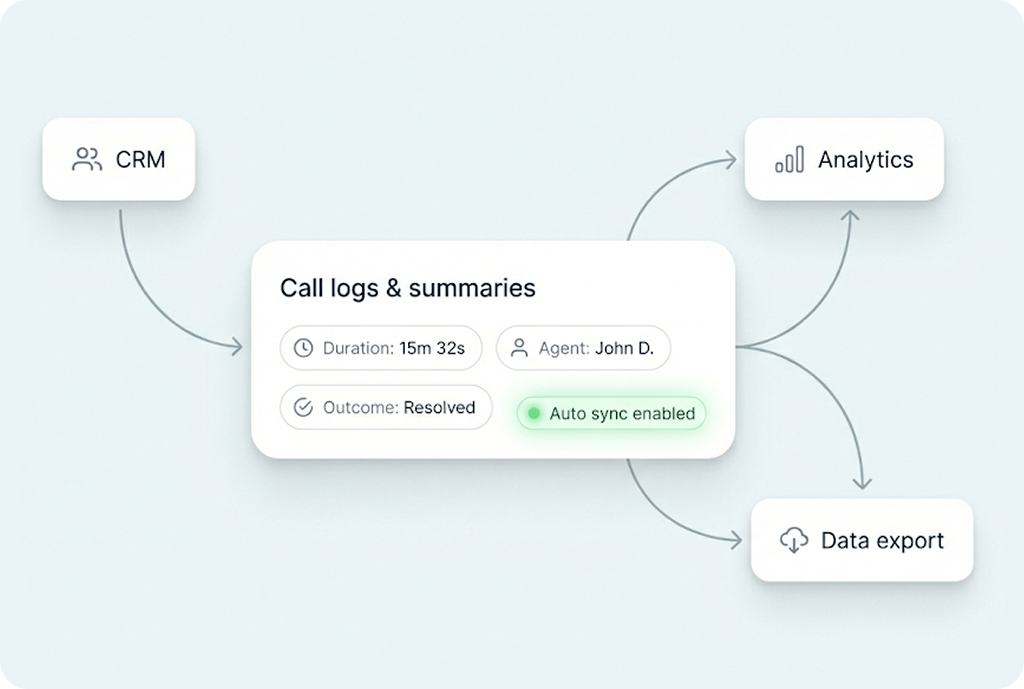
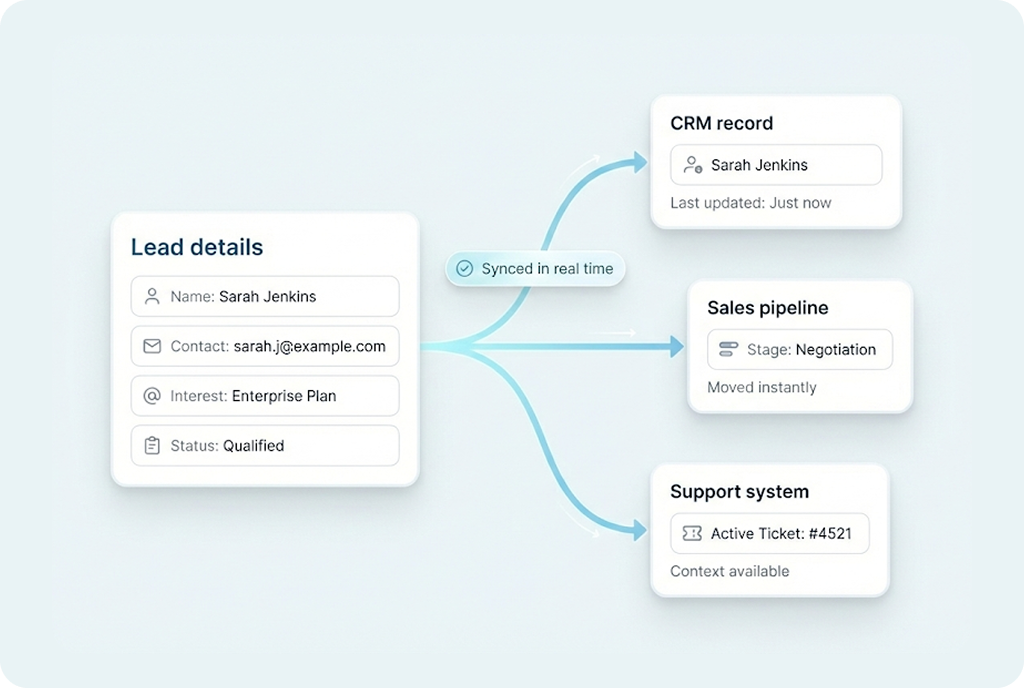
Yes. You can integrate them with your CRM, ERP, payment systems or any internal tool. Use the event data from webhooks to trigger workflows like creating a ticket in your CRM when a call ends or sending WhatsApp follow-up when a lead answers.
What is the typical rate or volume supported?
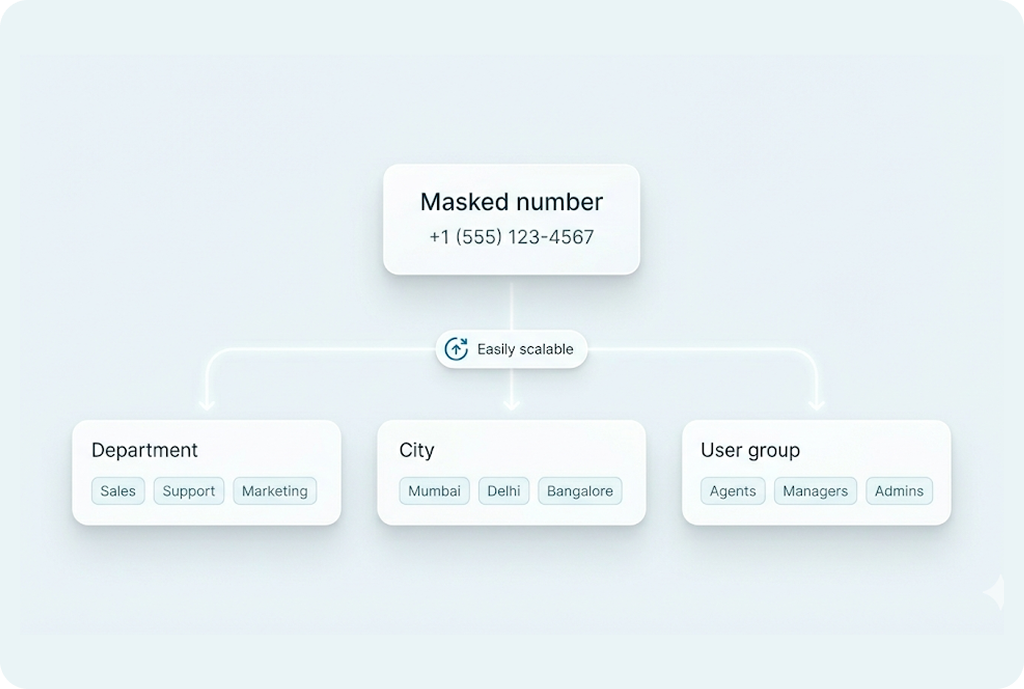
MyOperator’s API & Webhooks are designed for scale. Whether you’re handling hundreds of calls per minute or large message volumes, the system supports high throughput with SLA-grade reliability. (Check your plan for exact limits.)
How long does it take to implement?
With API documentation and sandbox access, you can build a prototype within hours. Full deployment across production may take a few days depending on custom workflows and security review.
Are there additional costs for Webhook/event usage?
Usage depends on your plan. Some tiers include unlimited webhook events and API calls; others may have rate limits or charge for excess usage. Contact sales for high-volume or custom contracts.
How can I monitor and troubleshoot integrations?
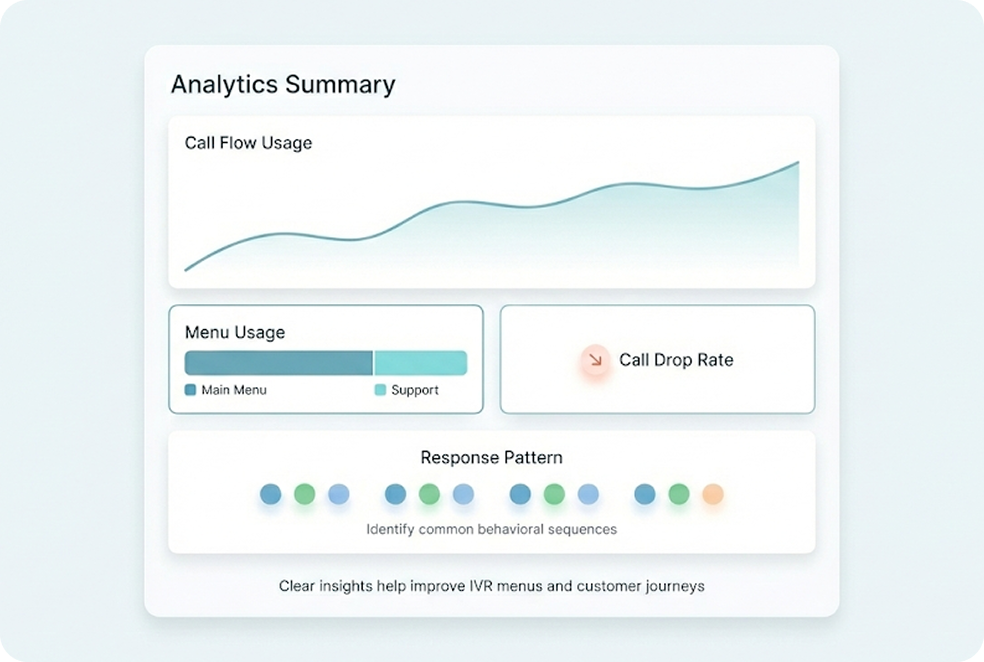
MyOperator provides dashboard logging of API requests, webhook delivery status, failed events, retry logic and latency metrics—so you can diagnose issues, track usage and ensure reliability.
Can I customize the JSON payload fields in webhooks?
Yes. You can select which data fields you want in the webhook payload (caller ID, lead ID, agent ID, IVR path, timestamp) and map custom fields to match your internal system.
Are test/sandbox environments available?
Yes. MyOperator offers a sandbox or test mode where you can generate API keys, simulate webhooks and build your integration without affecting production. Ideal for dev/test cycles.
How do I authenticate for API & Webhook access?
Standard methods: API key or OAuth token for REST endpoints, and signature verification for webhooks. You’ll also configure a secure public endpoint for webhook delivery and optionally whitelist IPs or use HMAC verification.
How does using APIs & Webhooks improve business communication?
By making your communication flows programmatic, real-time and integrated, you remove manual toggling between tools, speed up responses, and gain full visibility into every call/message. This translates to better lead conversion, faster support resolution and cleaner data.

Build For Control.
Automate For Scale.