


.avif)






Why Integrate MyOperator with Shopify
What is MyOperator WhatsApp Connector For Shopify
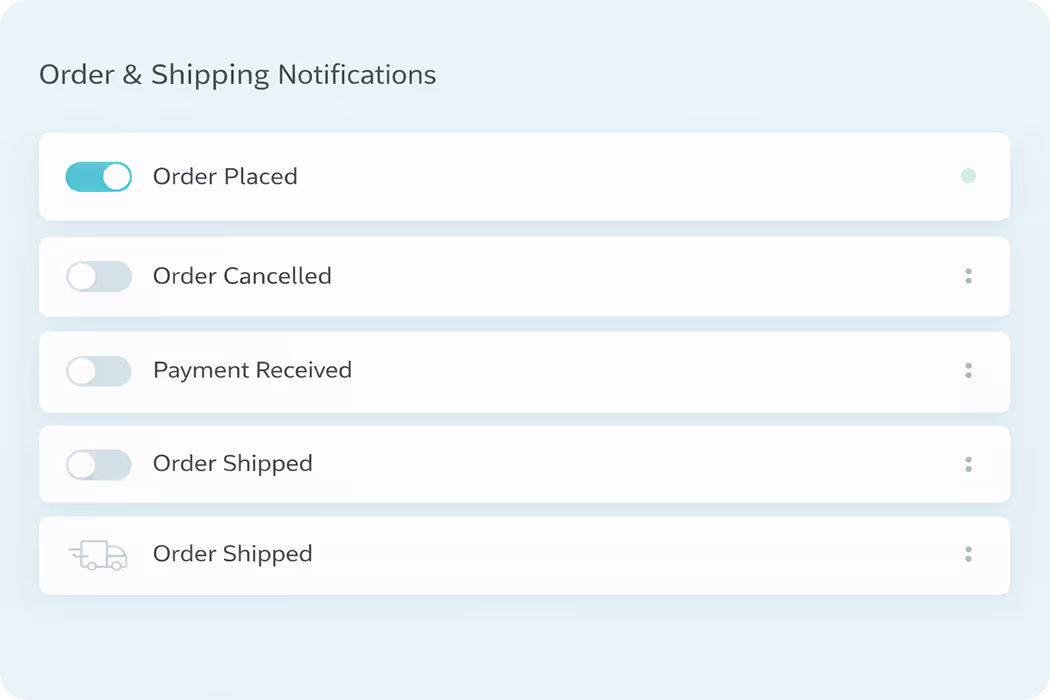
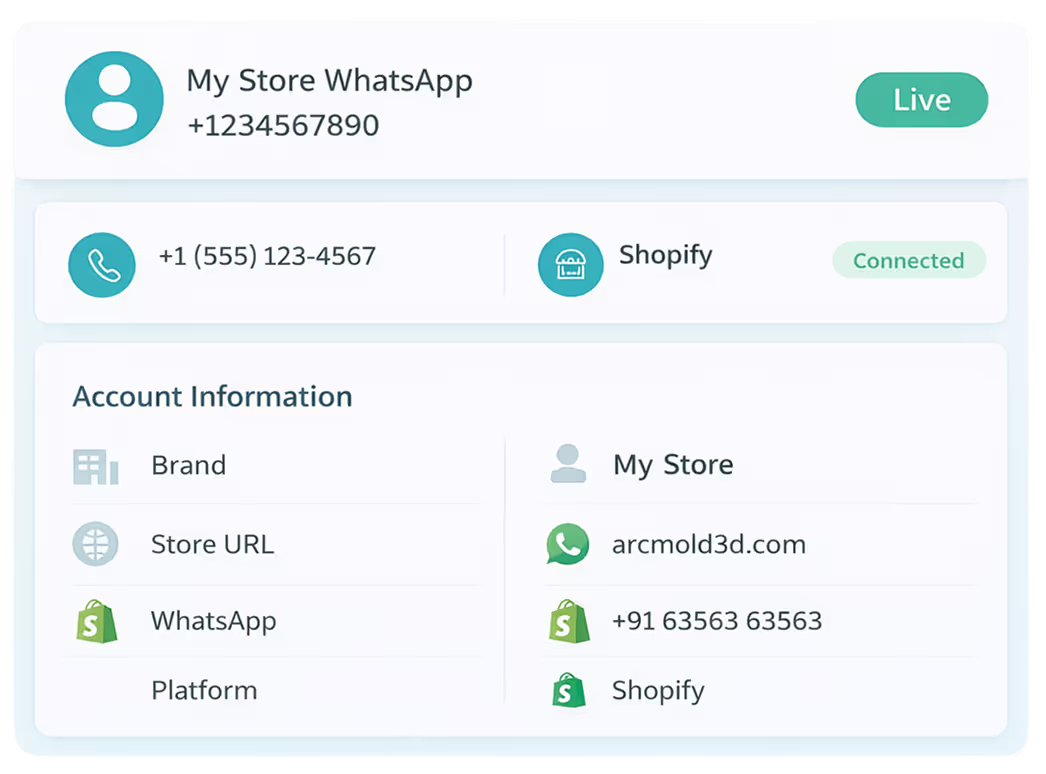
MyOperator WhatsApp Connector for Shopify allows MyOperator users to power their Shopify store with automated communication across WhatsApp and Calls. It connects the storefront with MyOperator’s Business AI Operator to automate cart recovery, COD confirmations, order notifications, delivery updates, feedback, and repeat purchases, thereby increasing conversions and reducing manual effort.


What You Get with MyOperator’s Shopify Integration
What Businesses Say
About MyOperator
.webp)







“The platform's ability to handle high call volumes and WhatsApp services have been great, making our engagement with students smoother and more productive.”
12,000+ Businesses Activated, 2.5 Billion Conversations Enabled
4.6 Google Rating

“MyOperator’s WhatsApp Business API has been a game-changer. The panel is super interactive and simple. Direct access to the support and marketing team has been invaluable.”
12,000+ Businesses Activated, 2.5 Billion Conversations Enabled
4.6 Google Rating

“The IVR support and SMS portal have greatly streamlined our communication processes, allowing us to easily manage student inquiries and provide timely support.”
12,000+ Businesses Activated, 2.5 Billion Conversations Enabled
4.6 Google Rating

“With MyOperator's IVR + WhatsApp Business Solution, we have greatly improved our client relationships and business operations.”
12,000+ Businesses Activated, 2.5 Billion Conversations Enabled
4.6 Google Rating

“Best advantage of MyOperator is how it connects all the stakeholders. Managing the team feels like a comfort zone now with better connectivity.”
12,000+ Businesses Activated, 2.5 Billion Conversations Enabled
4.6 Google Rating

“MyOperator handles our complete support team. I would recommend it to every business owner who directly deals with their customers.”
12,000+ Businesses Activated, 2.5 Billion Conversations Enabled
4.6 Google Rating
How to Set Up the Shopify Integration
01
Connect Shopify & WhatsApp
Link your Shopify store to MyOperator from the Ecomm+ section on your MyOperator panel.
02
Configure Templates & Triggers
Select approved WhatsApp templates and assign triggers for carts, COD, and order updates.
03
Launch & Track Performance
Go live, monitor recoveries, conversions, and responses directly inside MyOperator panel.
Find The Perfect Ride For Your Business Needs
Compact
₹2,500/month
.webp)
For small teams that need WhatsApp Business API & missed calls.
Sedan
₹5,000/month
.webp)
For growing businesses that need more users & unlimited IVR+ calling.
SUV
MOST POPULAR
₹15,000/month
.webp)
For teams that also need performance analytics and integrations.
Enterprise
₹55,000/month
Starts at

For large organisations that need customization and dedicated support.
What Is MyOperator
MyOperator is a Business AI Operator that brings together AI agents and human experts for unified communication on WhatsApp and Calls.
The Channels
.webp)
WhatsApp Suite
.webp)
Official WhatsApp Business API with automation, campaigns, and shared inboxes.

Call Suite
Cloud calling infrastructure built for high-volume inbound and outbound operations.

The Workforces

AI Agents
AI voicebots and chatbots that handle first response, qualification, and routing.

Human Experts
Sales and support teams step in with complete conversation context.
Shopify Integration FAQs
What exactly does the Shopify + MyOperator integration do?
The integration automates WhatsApp messaging for your Shopify store from cart abandonment reminders and order status updates to COD confirmations and reorder nudges. All messages use Meta-approved WhatsApp Business templates so they remain compliant and trustworthy. The goal: consistent, reliable, automated communication that drives sales and keeps customers informed.
Can I customize the WhatsApp messages sent by the integration?
Yes. MyOperator provides ready-to-use templates (order update, cart reminder, COD confirmation, etc.), but you can also create your own templates. These templates can include dynamic variables such as customer name, order number, tracking link, pricing, and delivery date. This ensures each message feels personalized and relevant.
How does abandoned cart recovery work?
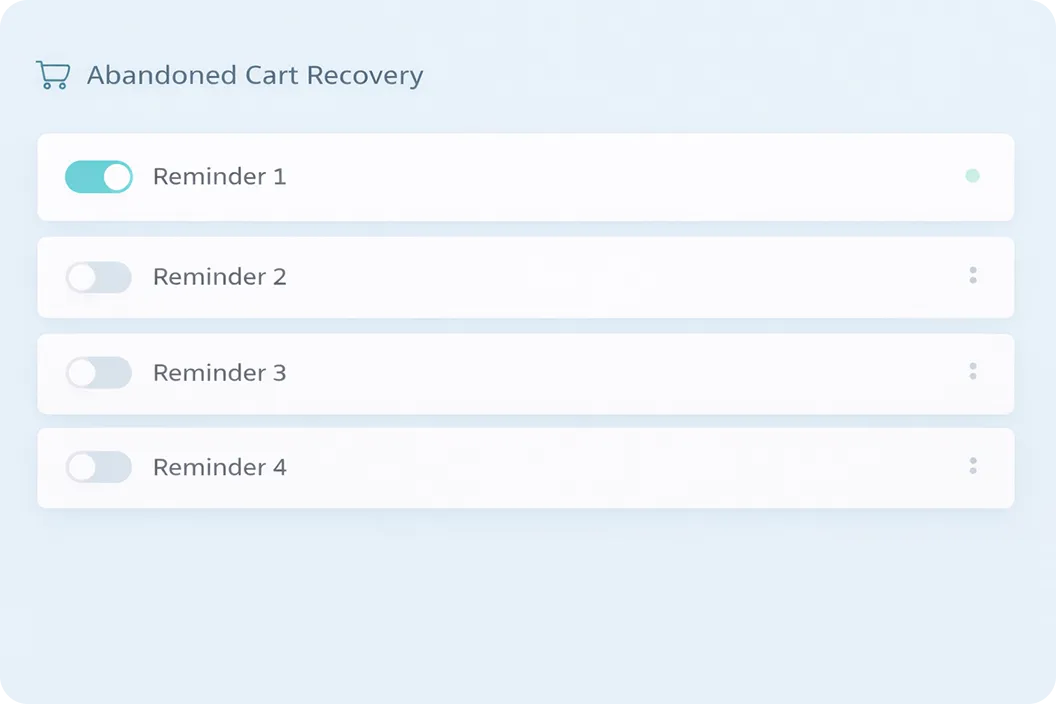
When a customer abandons a checkout, MyOperator detects that event and (based on rules you configure) sends up to three WhatsApp reminders at scheduled intervals. If the customer completes the purchase, the reminders stop. This gentle automation nudges undecided buyers back without human intervention.
Is setting this up truly code-free?
Yes, no coding is required. The integration comes with a guided wizard. Connect your Shopify store, select your WhatsApp number, choose or customize templates, and enable workflows. In just a few clicks, you can run your first automation.
How do COD confirmation messages work?
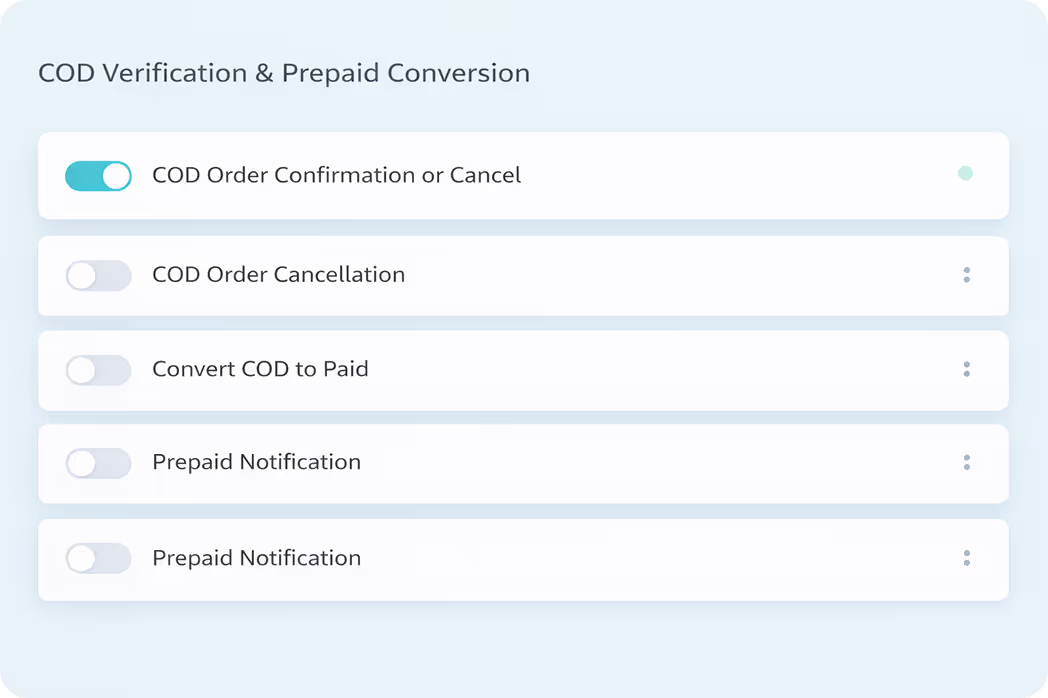
For orders placed with Cash on Delivery (COD), MyOperator sends a WhatsApp prompt to customers asking them to confirm or cancel the order. If a customer confirms, the order proceeds. If they cancel, the order is halted before fulfillment. This reduces delivery failures and minimizes costs associated with no-shows or refusals.
Are regional languages supported?
Yes. MyOperator supports templates in Hindi, English, and a variety of Indian regional languages. You can choose or switch languages for each communication flow to match your audience’s preferences and improve engagement.
Can I see how well my messages are performing?
Absolutely. MyOperator offers analytics and reporting dashboards that track delivery rates, click-throughs, conversation engagement, and conversion outcomes (e.g. how many abandoned carts got recovered). These insights help you optimize message timing, template choice, and workflows.
Can this integration scale with my store’s growth?
Yes. As your store’s order volume increases, MyOperator scales with you. More workflows, more templates, more language support, and multi-agent handling ensure your communication stays smooth even with growing demand.
How does this integration handle compliance and data security?
MyOperator is built to comply with data protection regulations. WhatsApp messages use end-to-end encryption, and MyOperator ensures that your templates are WhatsApp-approved. On top of that, you benefit from secure data storage, access controls, audit logs, and features like opt-in management and message retention policies.
Will customers get overwhelmed with messages?
No. You control the frequency and schedule of messages. The integration stops further messaging once the customer completes the purchase, cancels, or opts out. This balance ensures usefulness without annoying the customer.
Can this integration work alongside other Shopify apps or CRMs?
Yes, MyOperator offers API integrations and connectors. You can sync with CRMs (like HubSpot, Zoho, or custom systems) so customer data, order history, and ticketing flows stay unified. That way, WhatsApp automation becomes part of a broader, connected customer engagement stack.
What kinds of use cases beyond order notifications can I run?
Beyond order updates and cart recovery, you can use WhatsApp via this integration for:Reorder reminders to past customers
Upsell or cross-sell messages post-purchase
- Return or exchange workflows
- Survey or NPS feedback prompts
- Delivery delay alerts or special offers
Upsell or cross-sell messages post-purchase
- Return or exchange workflows
- Survey or NPS feedback prompts
- Delivery delay alerts or special offers
What are some recommended best practices?
- Start with simple flows (e.g. cart reminder + order update) and expand gradually.
- Use concise, clear language in your templates.
- Send messages at appropriate times (avoid late night).
- Segment by customer behavior (new vs returning, high vs low value).
- Monitor analytics and iterate templates and timing regularly.
- Use concise, clear language in your templates.
- Send messages at appropriate times (avoid late night).
- Segment by customer behavior (new vs returning, high vs low value).
- Monitor analytics and iterate templates and timing regularly.

Company
Download App
.png)



.png)


