


.png)
.png)






Why Use MyOperator
WhatsApp Business Verification
What Is WhatsApp Business Verification
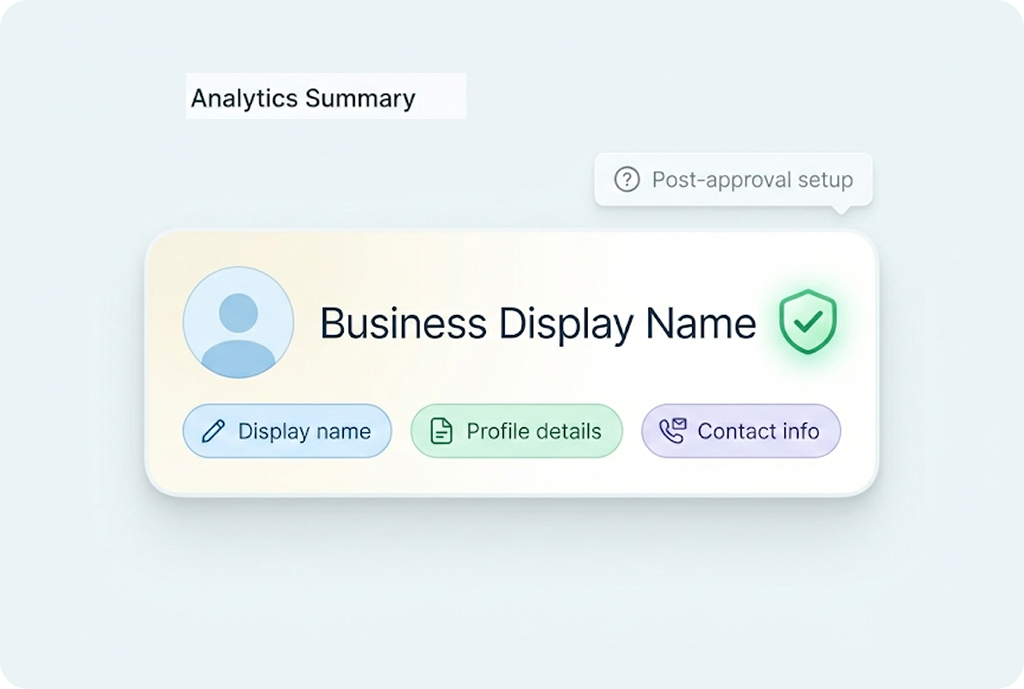
WhatsApp Business Verification is Meta’s official process for confirming business identities on WhatsApp. Once approved, your business profile displays a blue checkmark, helping customers instantly recognize your account as authentic. Verified profiles build stronger trust across sales, support, and marketing interactions while reducing impersonation risks. As a Meta-approved WhatsApp Business API provider, MyOperator simplifies the process by handling documentation, template approvals, and Meta submissions for you.
.png)

What You Get With MyOperator WhatsApp Business Verification
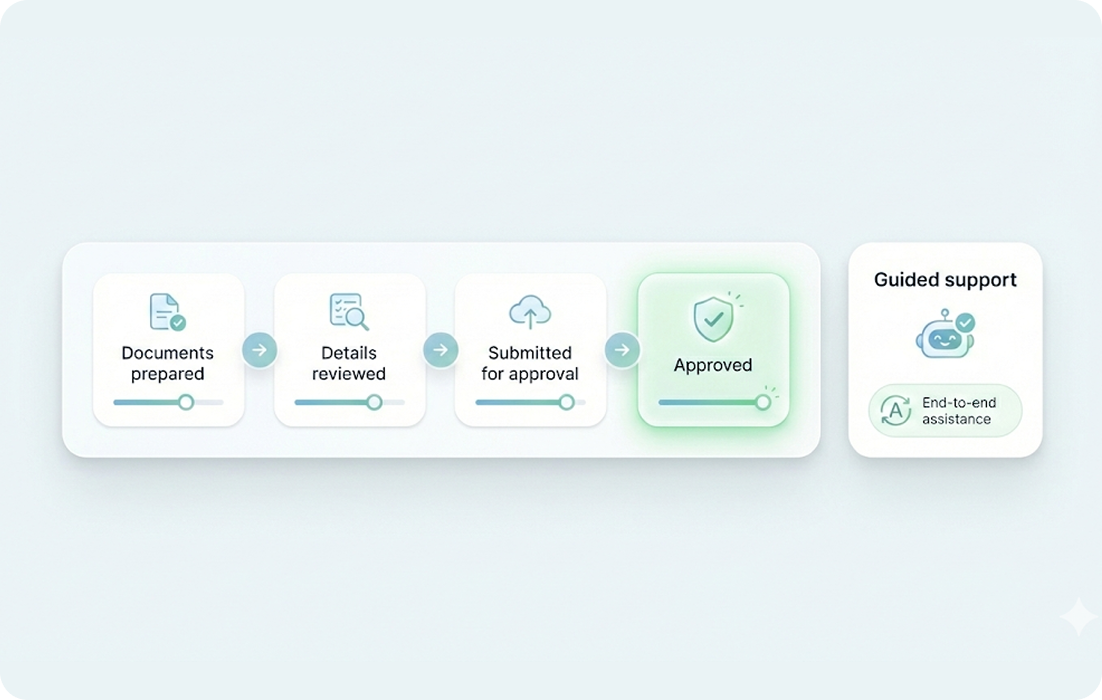
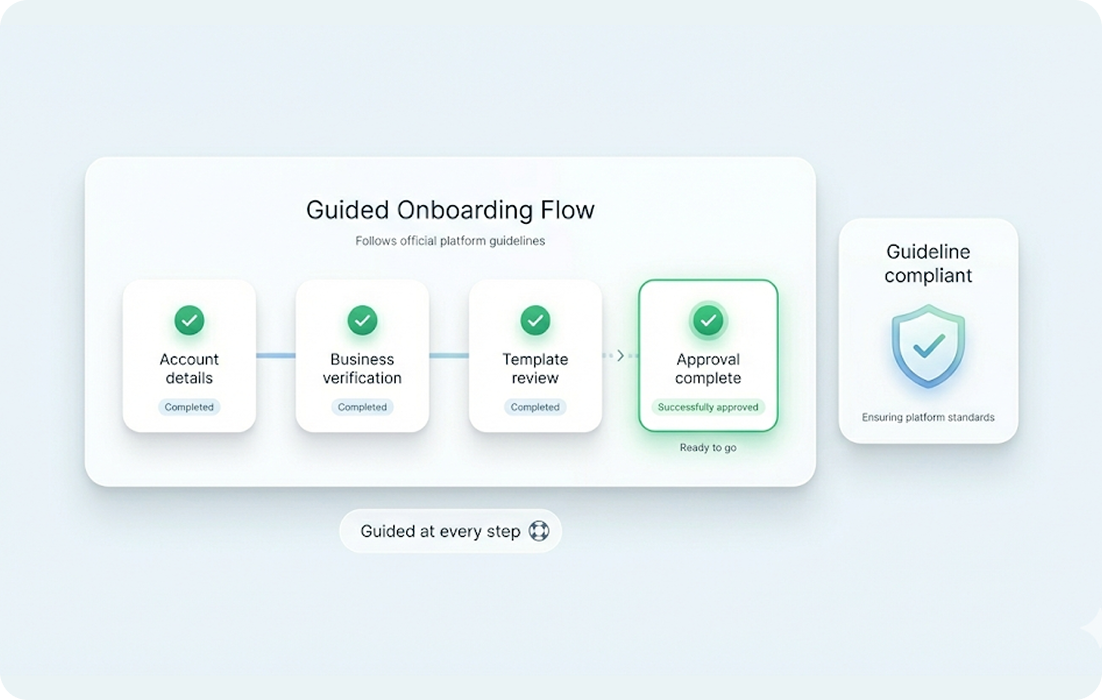
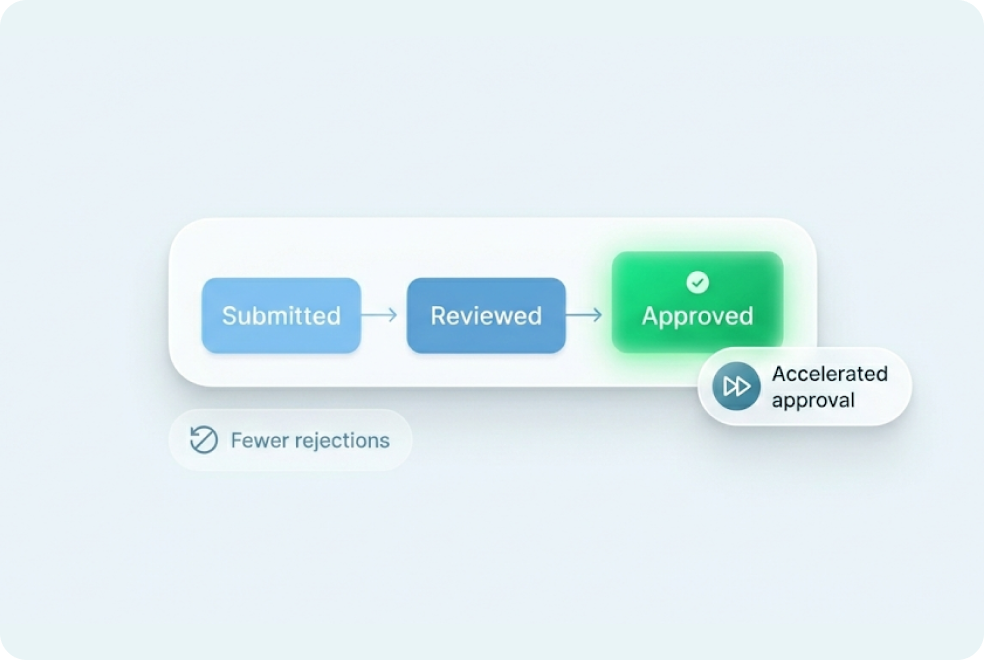
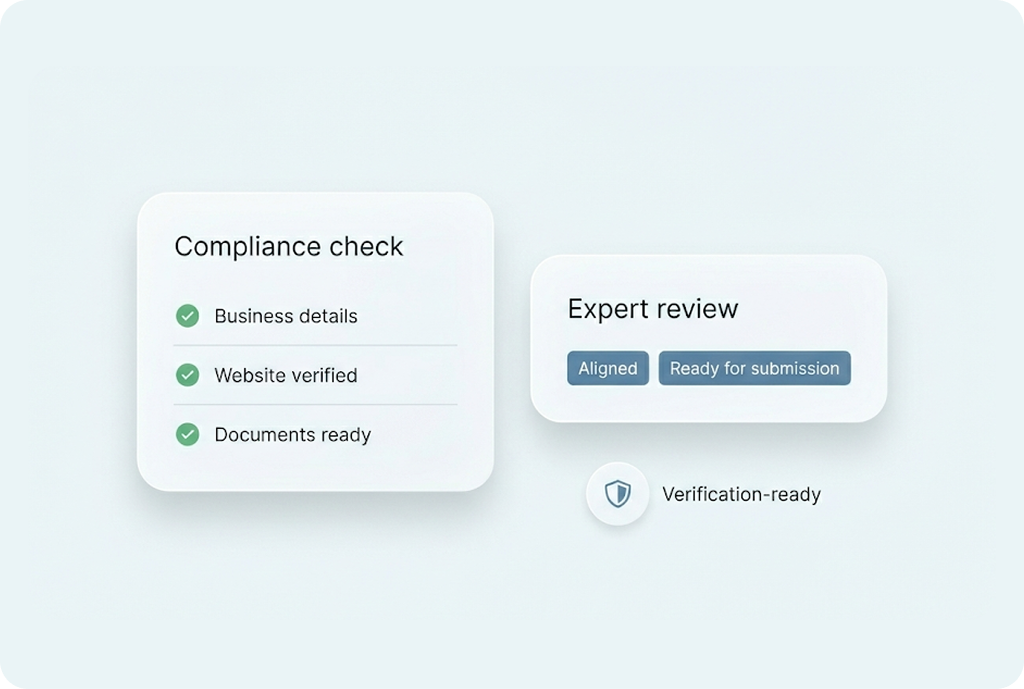
How MyOperator’s
WhatsApp Business Verification Works
01
Step 1: Get WhatsApp API Access
Sign up with MyOperator to activate your official WhatsApp Business API number.
02
Step 2: Submit Business Details
Share business information and Facebook Business Manager ID for MyOperator to review.
03
Step 3: Go Live Once Verified
MyOperator gets approval from Meta for your business profile to show the official blue tick.
What Businesses Say
About MyOperator
.webp)







“The platform's ability to handle high call volumes and WhatsApp services have been great, making our engagement with students smoother and more productive.”
12,000+ Businesses Activated, 2.5 Billion Conversations Enabled
4.6 Google Rating

“MyOperator’s WhatsApp Business API has been a game-changer. The panel is super interactive and simple. Direct access to the support and marketing team has been invaluable.”
12,000+ Businesses Activated, 2.5 Billion Conversations Enabled
4.6 Google Rating

“The IVR support and SMS portal have greatly streamlined our communication processes, allowing us to easily manage student inquiries and provide timely support.”
12,000+ Businesses Activated, 2.5 Billion Conversations Enabled
4.6 Google Rating

“With MyOperator's IVR + WhatsApp Business Solution, we have greatly improved our client relationships and business operations.”
12,000+ Businesses Activated, 2.5 Billion Conversations Enabled
4.6 Google Rating

“Best advantage of MyOperator is how it connects all the stakeholders. Managing the team feels like a comfort zone now with better connectivity.”
12,000+ Businesses Activated, 2.5 Billion Conversations Enabled
4.6 Google Rating

“MyOperator handles our complete support team. I would recommend it to every business owner who directly deals with their customers.”
12,000+ Businesses Activated, 2.5 Billion Conversations Enabled
4.6 Google Rating
Find The Perfect Ride For Your Business Needs
Compact
₹2,500/month
.webp)
For small teams that need WhatsApp Business API & missed calls.
Sedan
₹5,000/month
.webp)
For growing businesses that need more users & unlimited IVR+ calling.
SUV
MOST POPULAR
₹15,000/month
.webp)
For teams that also need performance analytics and integrations.
Enterprise
₹55,000/month
Starts at

For large organisations that need customization and dedicated support.




What Is MyOperator
MyOperator is a Business AI Operator that brings together AI agents and human experts for unified communication on WhatsApp and Calls.
The Channels
.webp)
WhatsApp Suite
.webp)
Official WhatsApp Business API with automation, campaigns, and shared inboxes.

Call Suite
Cloud calling infrastructure built for high-volume inbound and outbound operations.

The Workforces

AI Agents
AI voicebots and chatbots that handle first response, qualification, and routing.

Human Experts
Sales and support teams step in with complete conversation context.
WhatsApp Business Verification FAQs
What is the WhatsApp Blue Tick (formerly Green Tick)?
The Blue Tick is WhatsApp’s official verification badge, displayed next to a business name. It confirms that your WhatsApp account has been verified by Meta and belongs to an authentic business. This builds customer confidence and reduces impersonation risk.
Why should I get verified on WhatsApp?
Verification adds immediate trust to your customer interactions. When customers see the Blue Tick, they know they’re chatting with a legitimate business. It also improves open rates, response speed, and overall engagement.
What do I need to apply for WhatsApp Business Verification?
You’ll need:
A registered business with an active website
A verified Facebook Business Manager account
A WhatsApp Business API number
Proper documentation (like business registration certificate or GST)
MyOperator helps review all documents before submission to ensure smooth approval.
A registered business with an active website
A verified Facebook Business Manager account
A WhatsApp Business API number
Proper documentation (like business registration certificate or GST)
MyOperator helps review all documents before submission to ensure smooth approval.
How long does the verification process take?
Typically, it takes 2–7 business days after submission. However, timelines may vary depending on Meta’s review queue and the completeness of your documents.
Does WhatsApp charge for verification?
No, WhatsApp (Meta) does not charge for verification itself. However, businesses need to use the official WhatsApp Business API — which MyOperator provides as part of its paid plans that include onboarding and support.
Can MyOperator guarantee verification approval?
While final approval lies with Meta, MyOperator ensures all requirements are met — documentation, naming, profile readiness, and API setup — significantly improving your approval chances.
What happens if my verification request is rejected?
No worries. MyOperator provides personalized feedback, helps fix the issues (like incomplete information or naming mismatch), and resubmits your request until approval.
Can I apply for verification on multiple numbers?
Yes. MyOperator supports multi-number and multi-account verification for businesses managing several brands or departments.
What happens after my business gets verified?
Once approved, your WhatsApp profile displays the official Blue Tick next to your business name. MyOperator helps you maintain compliance, manage templates, and add verified numbers as you scale.
remove
remove

Company
Download App
.png)



.png)


