




Call Management Suite

Simplify inbound customer calls with
Click To Call

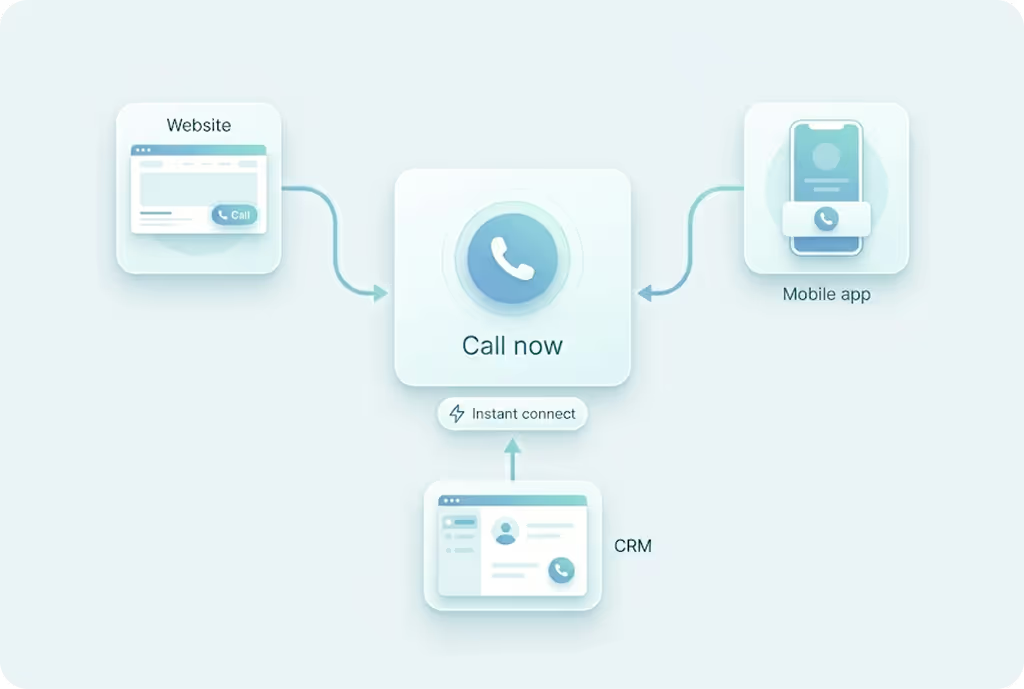
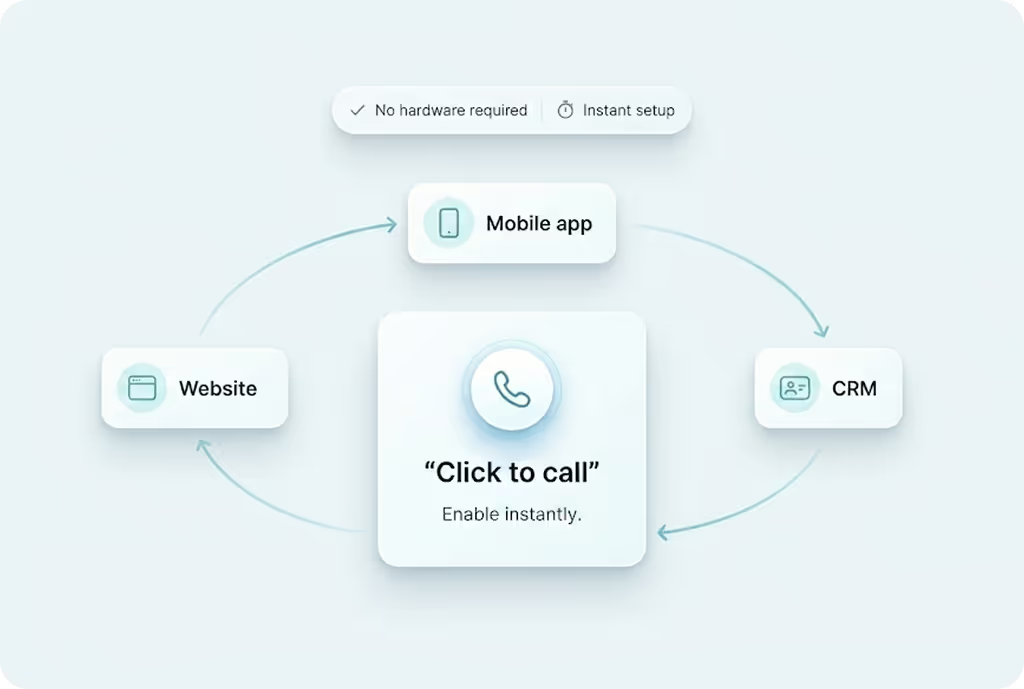
Use MyOperator's Click To Call to enable customers to call your business instantly from your website, app, or emails.

15 Years of Trust. 12,000+ Brands Strong.

Why Use MyOperator Click to Call

How MyOperator’s Click-to-Call Works

01
Step 1: Embed or Integrate
Add the Click to Call widget to your website, application, or CRM system.
02
Step 2: Customers Click to Call
MyOperator automatically initiates a call between the customer and your team on click.
03
Step 3: Measure and Optimize
Track click to call performance through agent response times and lead conversions.

What Businesses Say
About MyOperator

Find The Perfect Ride
For Your Business Needs

Compact

₹2,500/month

For small teams that need WhatsApp Business API & missed calls.

Sedan

₹5,000/month

For growing businesses that need more users & unlimited IVR+ calling.

SUV

MOST POPULAR

₹15,000/month

For teams that also need performance analytics and integrations.

Enterprise

₹2,00,000/month

Starts at

For large organisations that need customization and dedicated support.

What Is MyOperator

MyOperator is a Business AI Operator that brings together AI agents and human experts for unified communication on WhatsApp and Calls.

The Channels

WhatsApp Suite

Official WhatsApp Business API with automation, campaigns, and shared inboxes.

  • Broadcasts, CTWA, and AI replies
  • Multi-agent chat and handovers
  • Blue tick and verification

Call Suite

Cloud calling infrastructure built for high-volume inbound and outbound operations.

  • IVR, virtual numbers, and dialers
  • Tracking, recordings, and smart routing
  • Synced with WhatsApp & AI flows

The Workforces

AI Agents

AI voicebots and chatbots that handle first response, qualification, and routing.

  • Works across WhatsApp + Calls
  • Learns from real conversation data
  • Escalates only when needed

Human Experts

Sales and support teams step in with complete conversation context.

  • Full view of past chats and calls
  • Faster resolution and follow-ups
  • Better outcomes across the funnel

MyOperator Click to Call FAQs

What is Click to Call and how does it work?
Click to Call allows customers to connect with your business instantly from digital channels. With a single click, MyOperator connects the customer to your team by initiating a call automatically. No manual dialling required.
How can Click to Call improve lead conversions?
Instant connectivity reduces the delay between customer interest and response. The quicker a lead can talk to your team, the higher the chance of conversion. It also improves customer experience by simplifying how they reach you.
Where can I add Click to Call buttons?
You can integrate Click to Call buttons on your website, mobile app, email campaigns, or CRM. MyOperator provides flexible API and widget options for easy deployment across platforms.
Can Click to Call be used for internal teams as well?
Yes. Teams can use Click to Call within their CRM or internal dashboards to quickly connect with colleagues or clients, especially useful for sales or support collaboration.
Does Click to Call support real-time tracking and analytics?
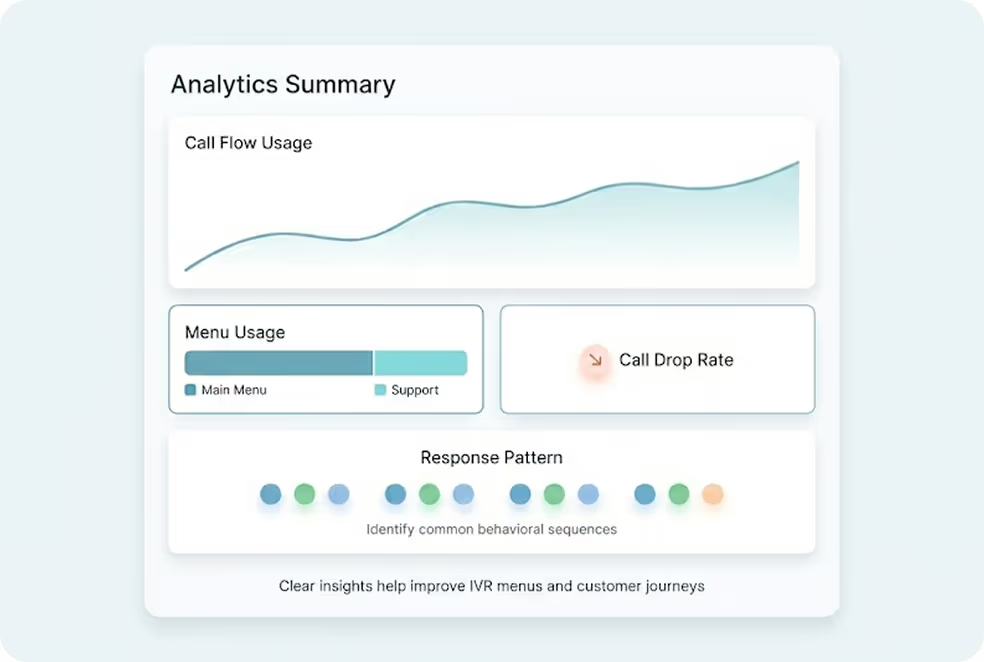
Absolutely. MyOperator provides live dashboards to track call volume, lead source, conversion rates, and agent response times. You can analyze performance and optimize campaigns effectively.
Can I integrate Click to Call with my CRM or third-party tools?
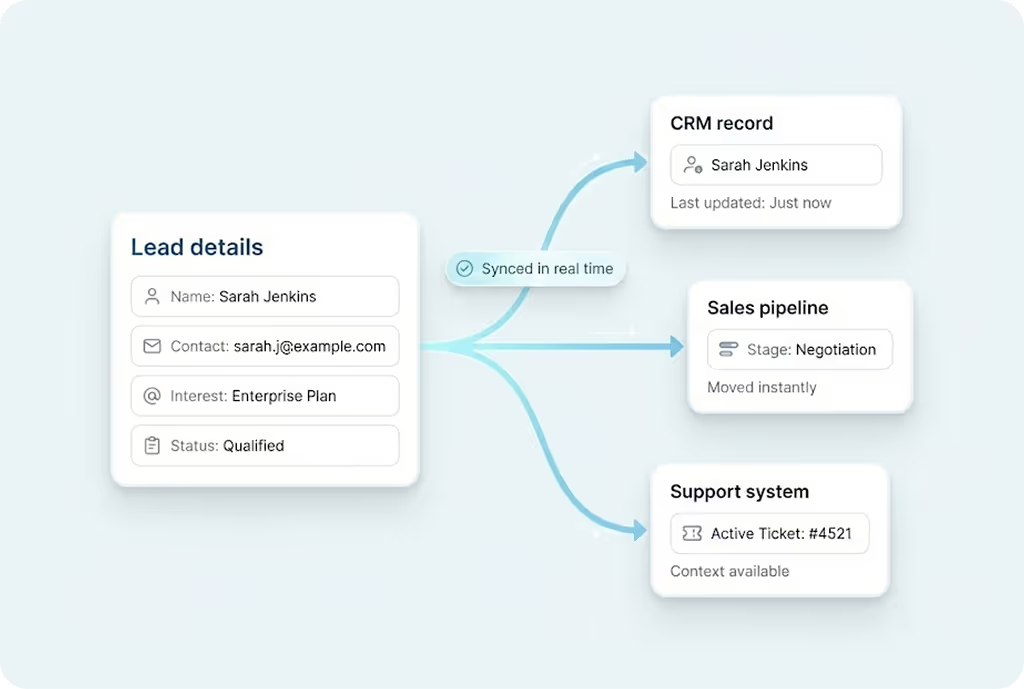
Yes. The feature integrates seamlessly with CRMs like Zoho, HubSpot, Salesforce, and more. This ensures all calls and follow-ups are automatically logged for better lead management.
How secure are Click to Call connections?
All Click to Call interactions are routed through MyOperator’s encrypted cloud servers. This ensures secure call initiation and compliance with telecom data standards.
Is there any setup or hardware required?
No hardware setup is needed. Everything runs on the cloud. You can enable Click to Call directly from the MyOperator dashboard and integrate it with your platforms in minutes.
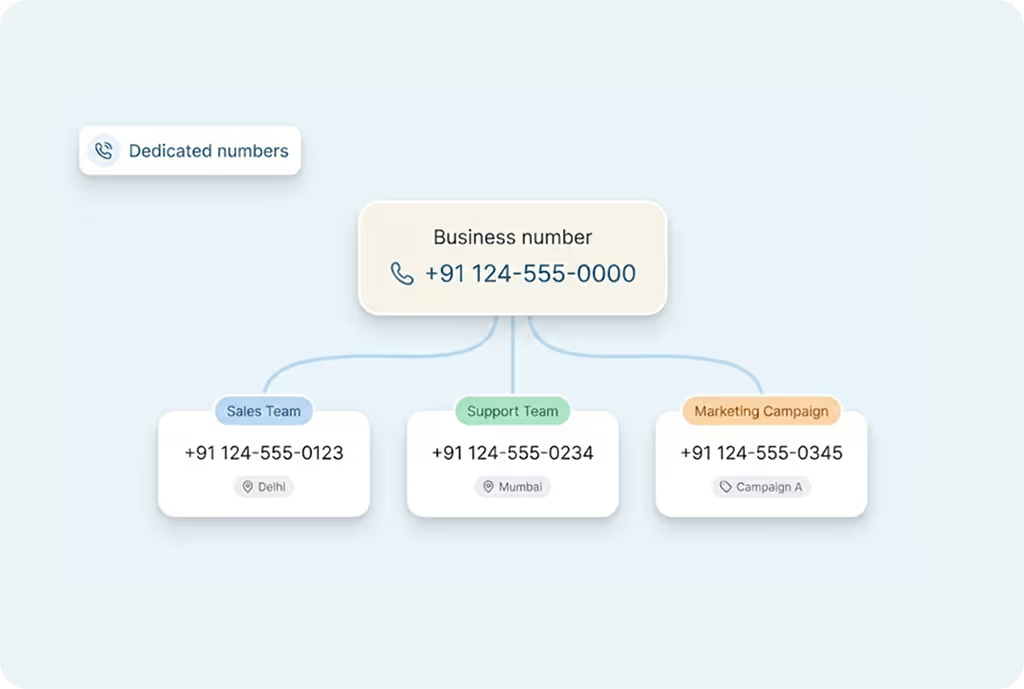
Can I track which campaign or source generated the calls?
Yes. Click to Call reports show which page, ad, or campaign generated each click, giving you complete visibility into lead sources and ROI.
How quickly can MyOperator Click to Call be deployed?
Setup is near-instant. Once integrated into your website or CRM, Click to Call can go live within a few hours. MyOperator’s onboarding team ensures smooth configuration and testing.

Scale Inbound Calls With Click To Call.