





Why Integrate MyOperator with
LeadSquared CRM

What Businesses Say
About MyOperator

How to Set Up the LeadSquared CRM Integration

01
Connect LeadSquared CRM
Integrate your LeadSquared CRM account with MyOperator and authorize access to WhatsApp and call data.
02
Automate & Route
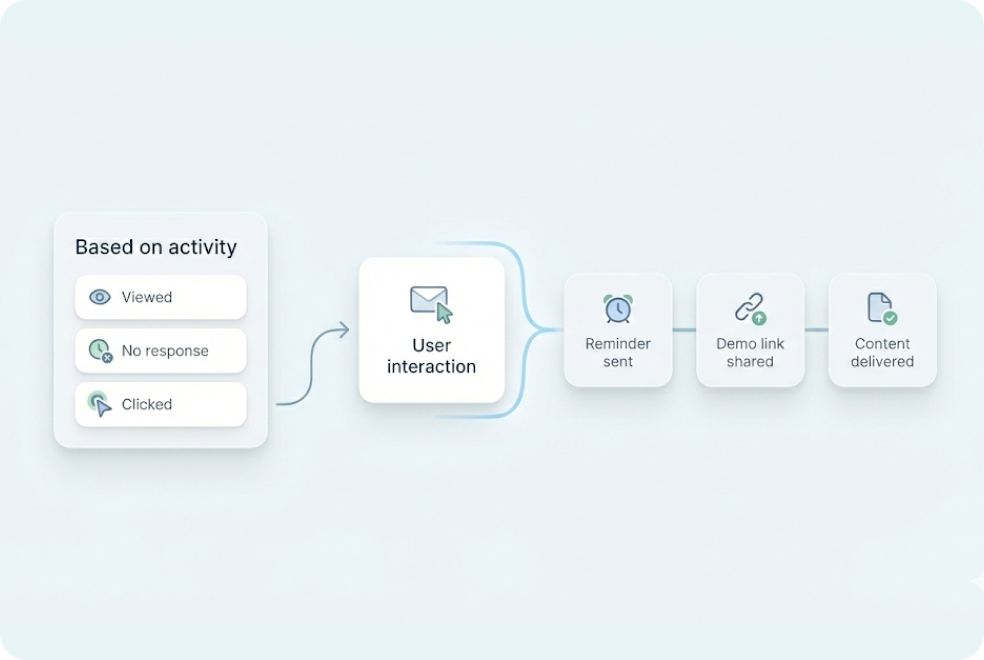
Set lead triggers for automated WhatsApp messages and follow-up calls with MyOperator's workflows.
03
Engage & Analyze
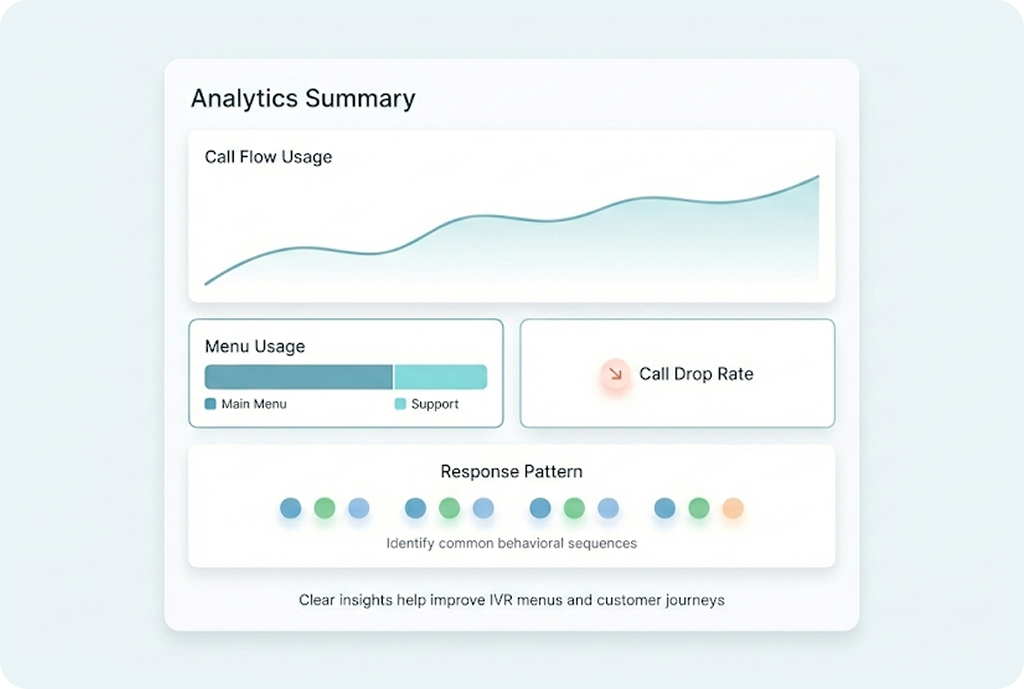
Monitor call logs, WhatsApp responses, and conversion metrics to improve team efficiency and close more leads.

Find The Perfect Ride
For Your Business Needs

Compact

₹2,500/month

For small teams that need WhatsApp Business API & missed calls.

Sedan

₹5,000/month

For growing businesses that need more users & unlimited IVR+ calling.

SUV

MOST POPULAR

₹15,000/month

For teams that also need performance analytics and integrations.

Enterprise

₹2,00,000/month

Starts at

For large organisations that need customization and dedicated support.

What Is MyOperator

MyOperator is a Business AI Operator that brings together AI agents and human experts for unified communication on WhatsApp and Calls.

The Channels

WhatsApp Suite

Official WhatsApp Business API with automation, campaigns, and shared inboxes.

Call Suite

Cloud calling infrastructure built for high-volume inbound and outbound operations.

The Workforces

AI Agents

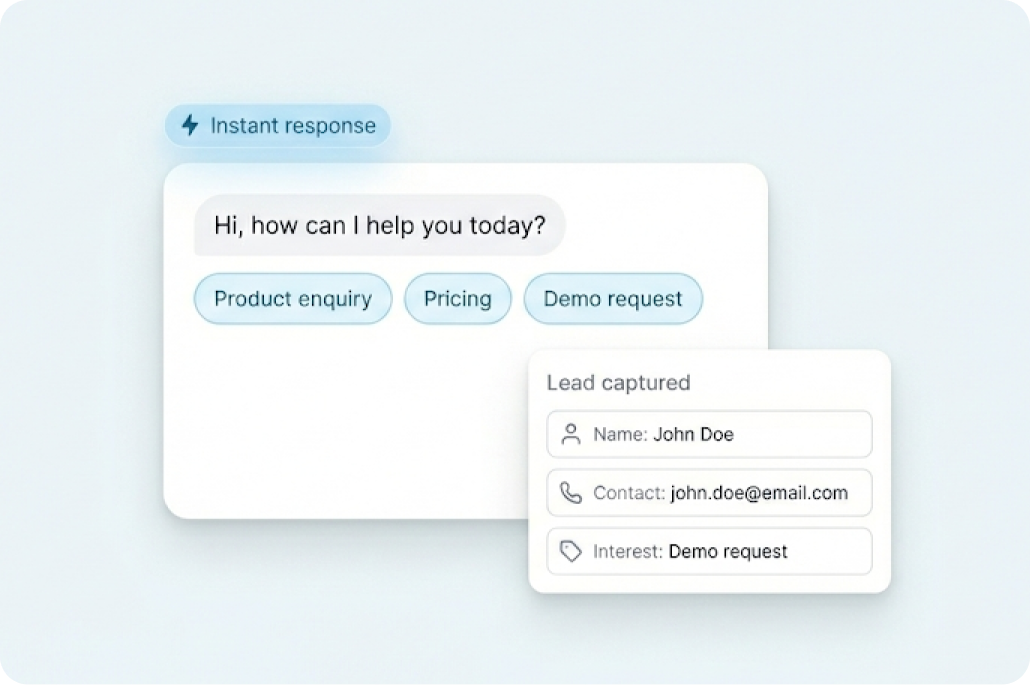
AI voicebots and chatbots that handle first response, qualification, and routing.

Human Experts

Sales and support teams step in with complete conversation context.

LeadSquared CRM Integration FAQs

What does MyOperator’s integration with LeadSquared CRM do?
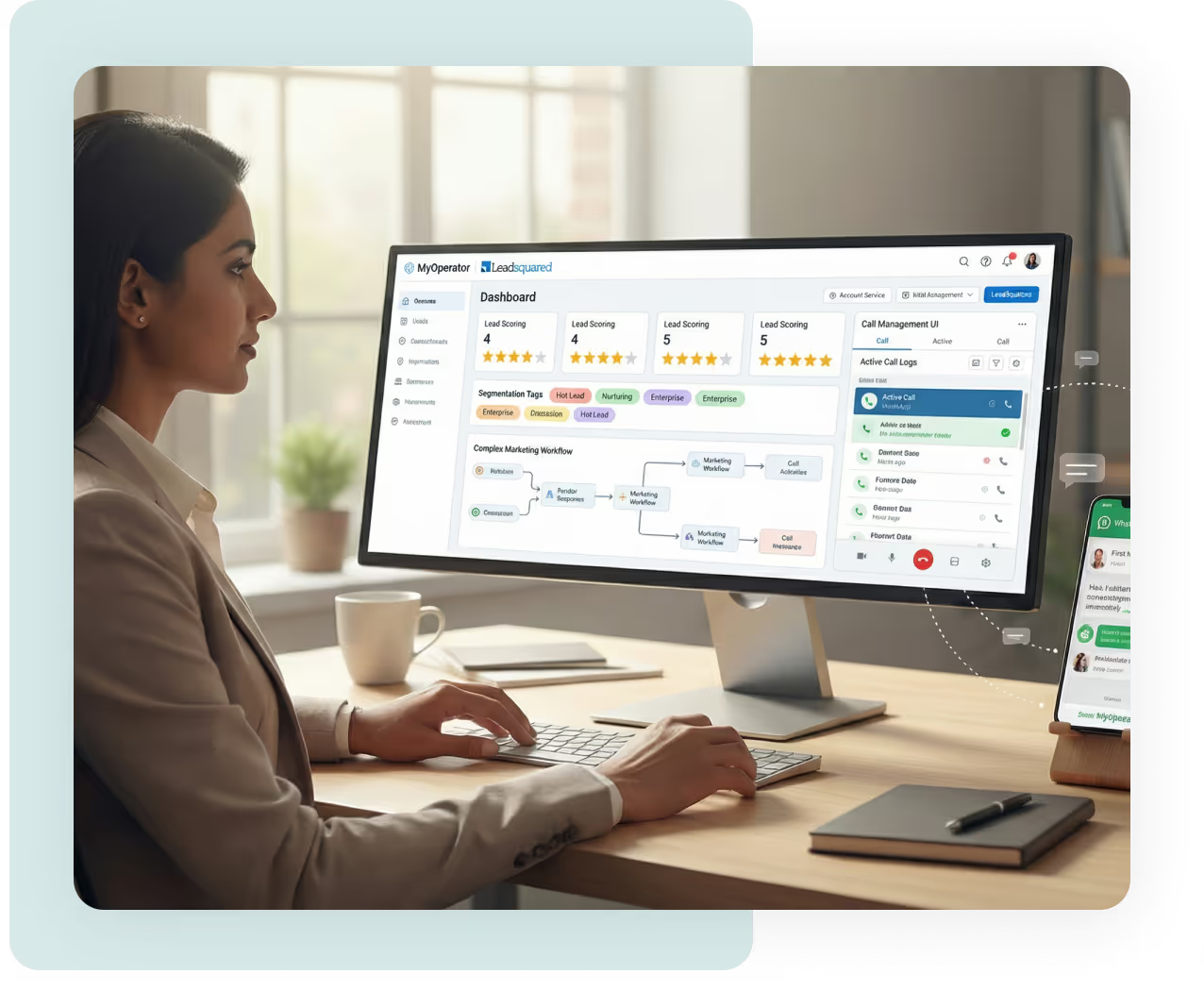
It connects MyOperator’s communication automation with your LeadSquared CRM, helping sales teams follow up with every lead instantly. All calls, WhatsApp messages, and customer interactions are logged automatically so you never lose context or momentum in your sales pipeline.
Can I make or receive calls directly from LeadSquared CRM?
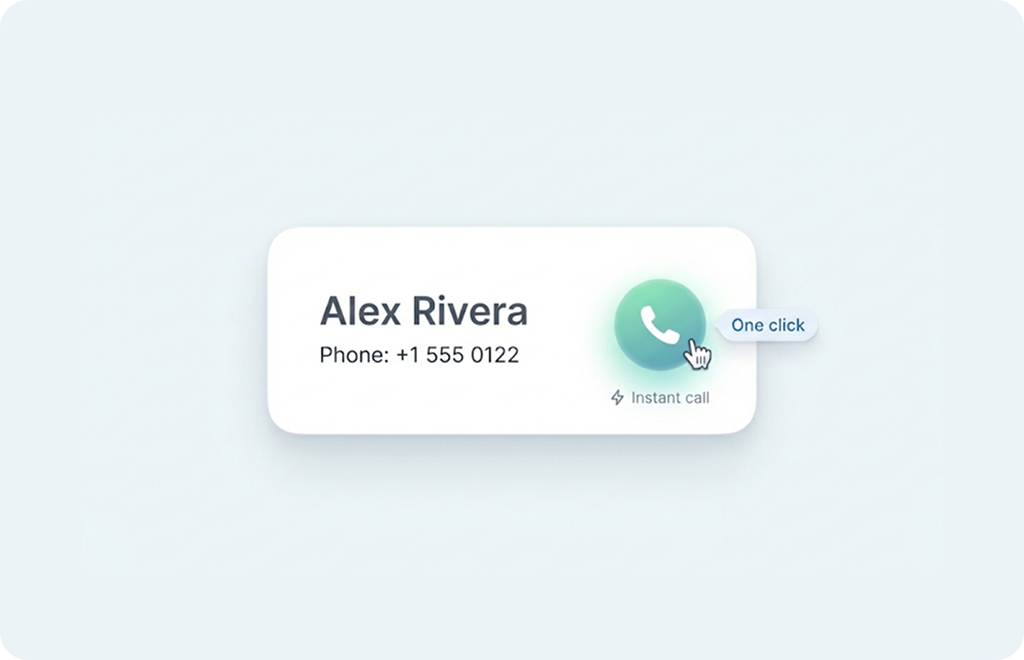
Yes. With click-to-call, your sales reps can make outbound calls directly from any lead record.Incoming calls are also logged automatically, giving instant visibility into every customer conversation.
Does it automate WhatsApp follow-ups?
Yes. You can set up automated WhatsApp messages for new leads, follow-ups, or deal reminders. Templates can include dynamic fields such as customer name, lead source, or product interest keeping each message personal and relevant.
Are call recordings and logs synced automatically?
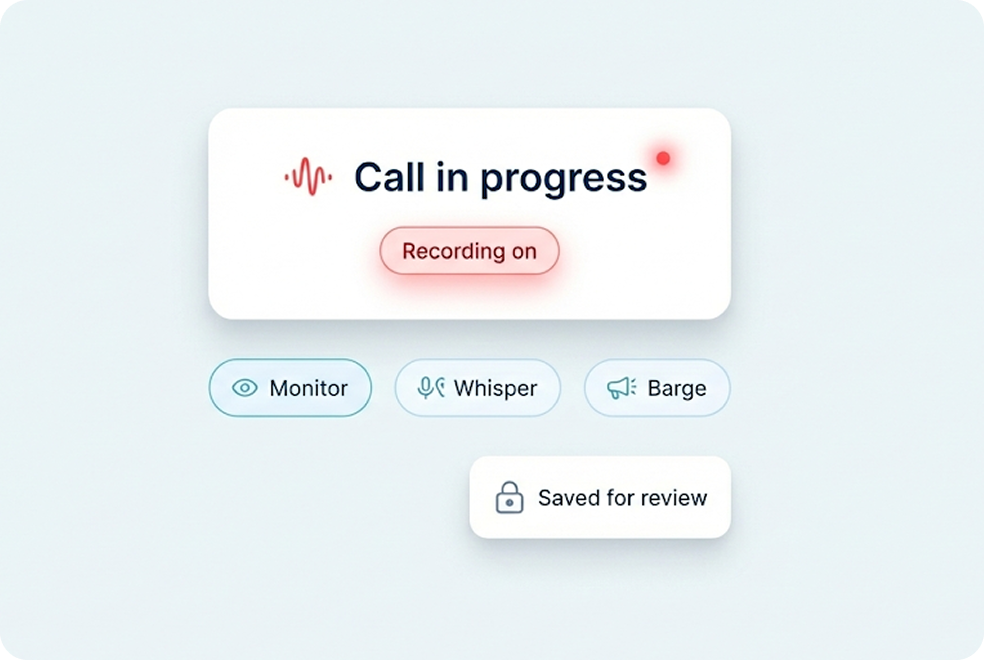
Yes. Every inbound and outbound call made through MyOperator is automatically logged in LeadSquared CRM. Recordings are attached to the lead record, along with call duration, timestamps, and agent details.
Can I track lead status and follow-up outcomes?
Absolutely. The integration gives you full visibility into lead progress from first call to final conversion. You can view engagement metrics, response rates, and conversion performance in both MyOperator and LeadSquared CRM dashboards.
Is setup code-free?
Yes. The integration can be set up in a few clicks with MyOperator’s guided workflow, no coding required.
Does it support multi-agent teams?
Yes. MyOperator supports multiple agents with call routing and assignment logic that ensures leads reach the right person every time.
How does this integration help improve conversions?
Automated calling and WhatsApp follow ups reduce response time and manual work, helping teams handle more leads consistently.
Can I personalize WhatsApp templates?
Yes. You can create your own message templates for follow-ups, demos, or payment reminders, all approved via WhatsApp Business API.
Does the integration support analytics and reports?
Yes. MyOperator provides detailed reports on calls, WhatsApp performance, and agent activity.These insights help you optimize response times, follow-up intervals, and sales workflows.
Is the integration secure?
Yes. All data and communication are encrypted end-to-end. MyOperator and LeadSquared CRM both adhere to data protection and compliance standards.
Can it scale with my growing sales team?
Yes. MyOperator scales seamlessly with your business, whether you’re managing 10 or 10,000 leads a day. You can add new users, workflows, and automation triggers as your sales volume grows.
What kind of workflows can I automate?
You can trigger WhatsApp or call follow-ups for new leads, missed calls, form submissions, or deal stage changes, all configurable through workflows.
Do I need a MyOperator plan for this integration?
Yes. The integration is part of MyOperator’s paid communication suite, which includes WhatsApp API and call automation tools. You can start with a free trial to explore the core features before upgrading.

Follow-up faster. Sell smarter. Convert better.