




WhatsApp Business Suite

Handle WhatsApp conversations with Multi-agent Live Chat

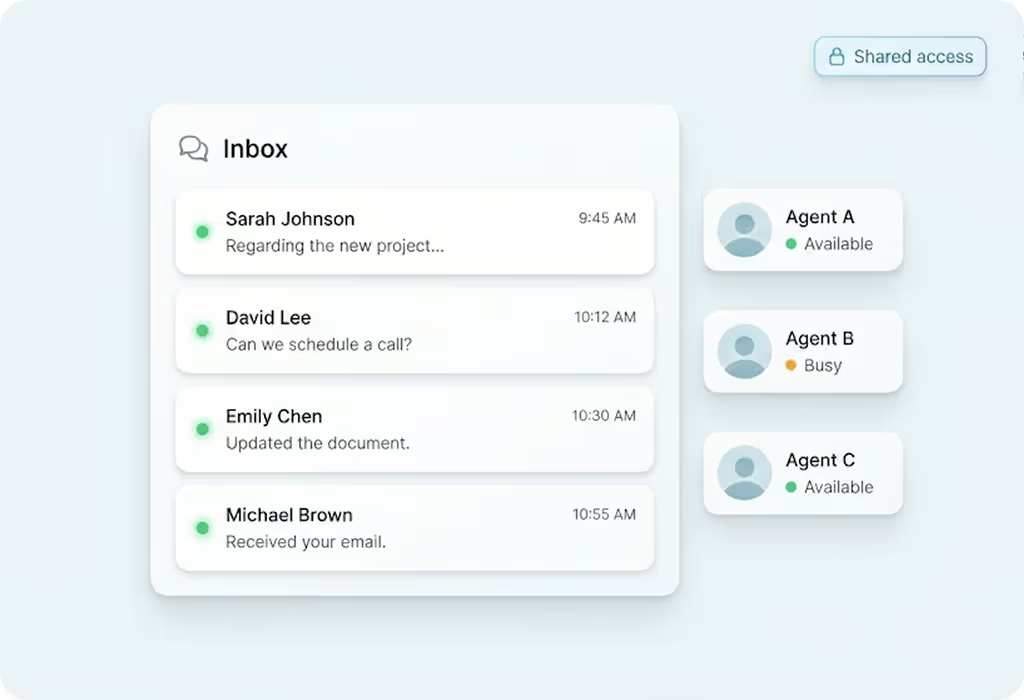
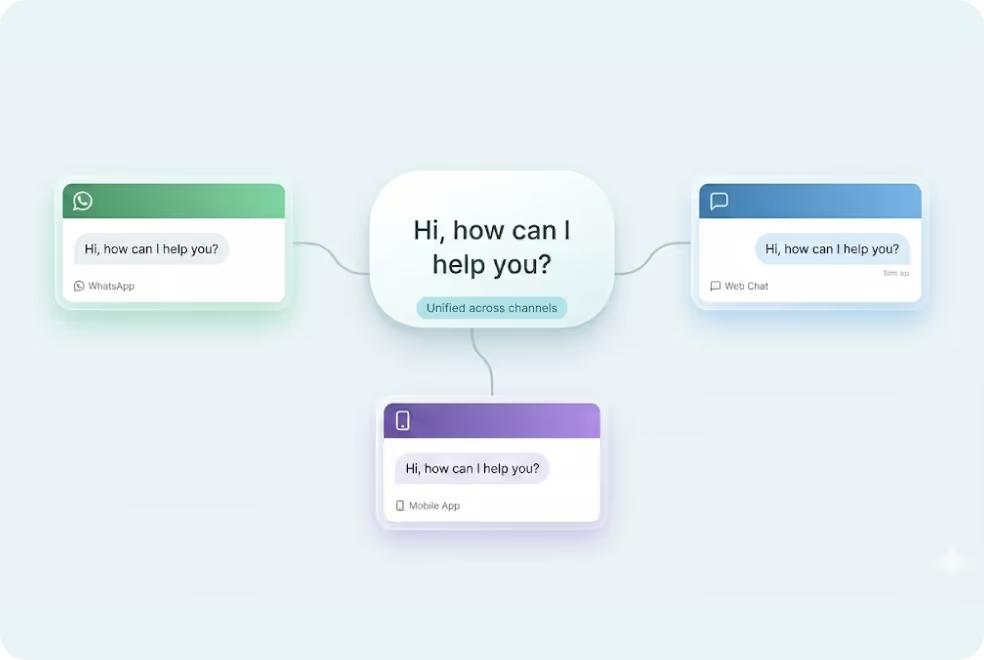
MyOperator Multi-Agent Chat System helps sales and support teams reply, assign, and track WhatsApp conversations from a shared inbox.

15 Years of Trust. 12,000+ Brands Strong.

Why Use MyOperator
Multi-Agent Live Chat

How MyOperator’s WhatsApp
Multi-Agent Live Chat Works

01
Step 1: Connect
Link your WhatsApp Business number and set up your shared inbox within MyOperator.
02
Step 2: Add Team Members
Add agents, assign roles, and configure permissions for seamless team collaboration.
03
Step 3: Chat & Track
Reply to customers instantly, view chat histories, and monitor performance.

What Businesses Say
About MyOperator

Find The Perfect Ride
For Your Business Needs

Compact

₹2,500/month

For small teams that need WhatsApp Business API & missed calls.

Sedan

₹5,000/month

For growing businesses that need more users & unlimited IVR+ calling.

SUV

MOST POPULAR

₹15,000/month

For teams that also need performance analytics and integrations.

Enterprise

₹2,00,000/month

Starts at

For large organisations that need customization and dedicated support.

What Is MyOperator

MyOperator is a Business AI Operator that brings together AI agents and human experts for unified communication on WhatsApp and Calls.

The Channels

WhatsApp Suite

Official WhatsApp Business API with automation, campaigns, and shared inboxes.

  • Broadcasts, CTWA, and AI replies
  • Multi-agent chat and handovers
  • Blue tick and verification

Call Suite

Cloud calling infrastructure built for high-volume inbound and outbound operations.

  • IVR, virtual numbers, and dialers
  • Tracking, recordings, and smart routing
  • Synced with WhatsApp & AI flows

The Workforces

AI Agents

AI voicebots and chatbots that handle first response, qualification, and routing.

  • Works across WhatsApp + Calls
  • Learns from real conversation data
  • Escalates only when needed

Human Experts

Sales and support teams step in with complete conversation context.

  • Full view of past chats and calls
  • Faster resolution and follow-ups
  • Better outcomes across the funnel

WhatsApp Multi-Agent Live Chat FAQs

What are the key benefits of using MyOperator’s WhatsApp Multi-Agent Live Chat?
MyOperator’s WhatsApp Multi-Agent Live Chat helps businesses go beyond single-user messaging. It enables multiple team members to handle customer conversations simultaneously from one shared WhatsApp number, all while maintaining visibility, speed, and consistency. From support to sales, teams can reply faster, assign chats, and monitor activity in real time. The shared inbox ensures no customer message is ever missed, while supervisors can track performance, access chat histories, and manage workflows. By combining teamwork, automation, and analytics, businesses can scale their WhatsApp communication efficiently without losing the personal touch.
How is the Multi-Agent Live Chat different from the standard WhatsApp Business App?
The regular WhatsApp Business App is built for small teams and manual interaction, where only one user or device can manage the account. MyOperator’s Multi-Agent Live Chat, on the other hand, is designed for scalability and collaboration.It allows multiple agents to log in simultaneously through a single verified WhatsApp Business number. Teams can manage all incoming messages through a unified dashboard, route chats automatically, and integrate with CRMs, something not possible with the basic WhatsApp app. For growing teams, this means faster responses, shared accountability, and better control over customer communication.
Can multiple agents respond to the same customer conversation?
Yes. MyOperator’s Multi-Agent Live Chat gives all assigned agents access to shared conversations, so they can collaborate in real time. The system also shows active responders to avoid duplicate replies. This collaborative model ensures customers always get quick, accurate responses — even during high-volume chat periods. Managers can also monitor these interactions in real time, offering support or intervention when needed.
How does chat routing and assignment work in the Multi-Agent system?
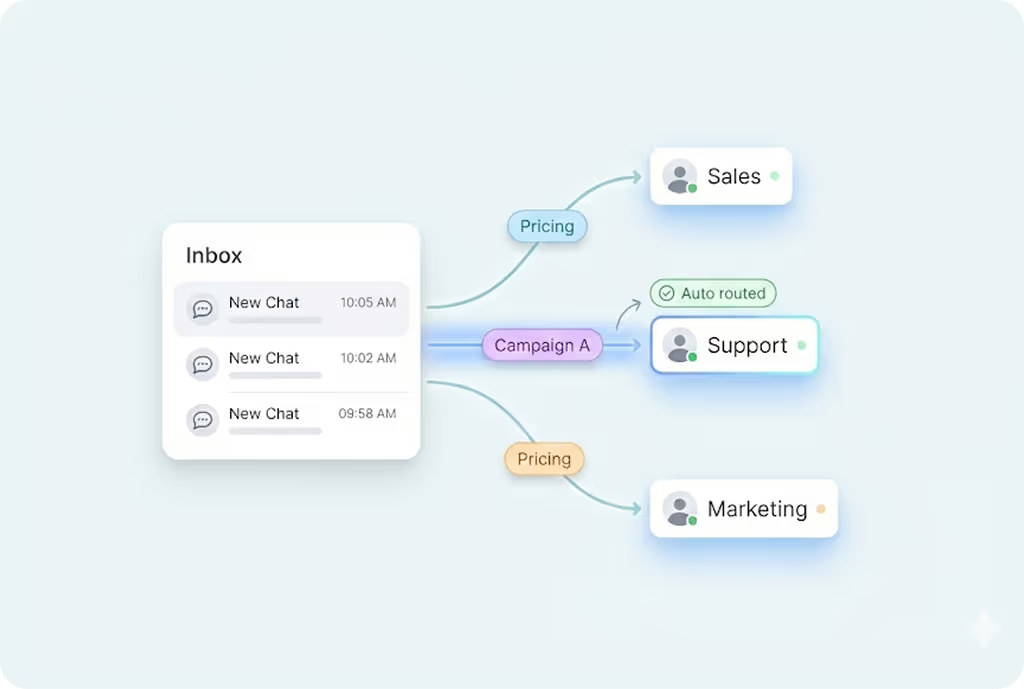
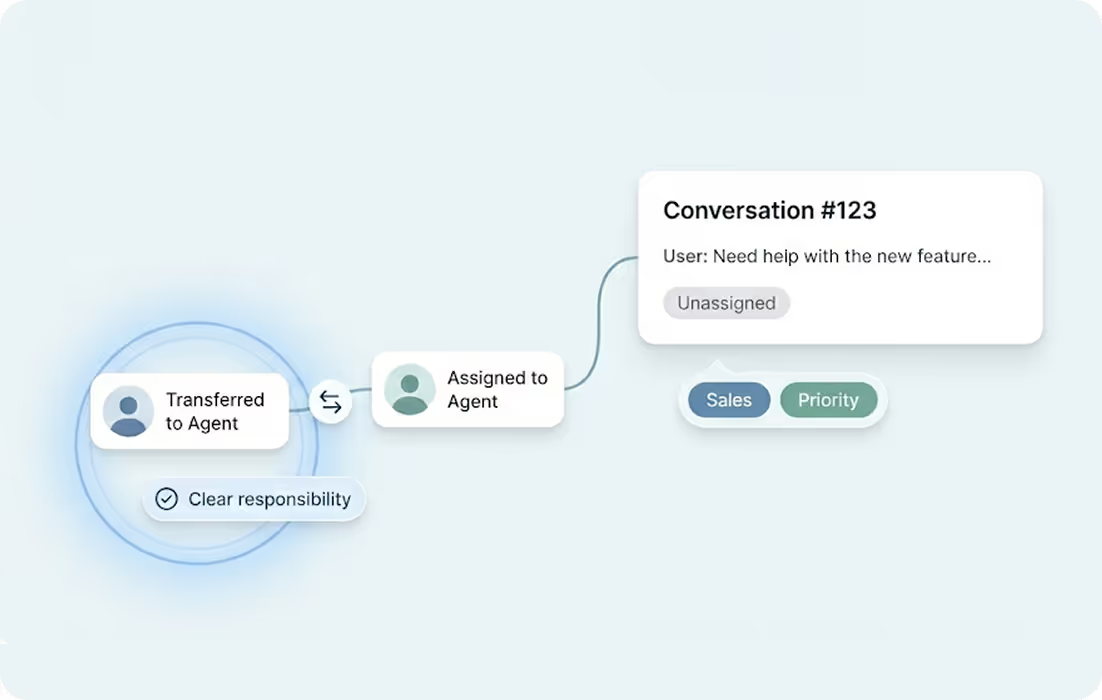
Chats can be automatically routed to specific agents or departments based on pre-set rules, business hours, or agent availability. You can also manually assign or transfer chats to team members when required. This structured routing ensures customers reach the right person faster, improving efficiency and response accuracy. Managers and team leads can easily view assigned workloads, track pending responses, and maintain transparency across departments.
Can agents use the Multi-Agent system on multiple devices?
Yes. The Multi-Agent Live Chat platform is accessible via both desktop and mobile, ensuring your team can respond to customers from anywhere. Whether it’s agents working from different offices or remote locations, every message stays synced and visible across devices. This flexibility ensures seamless collaboration without dependency on one device — a key advantage over regular WhatsApp setups.
Does MyOperator save chat history and customer context?
Yes. Every chat is logged in the shared inbox with full conversation history, timestamps, and agent details. This allows your team to view previous messages, understand customer context, and respond meaningfully without repeating past information. The system also enables supervisors to review past interactions for quality checks or performance evaluations, ensuring that customer experience remains consistent over time.
Can automation and AI bots work with Multi-Agent Live Chat?
Yes. MyOperator’s Multi-Agent Live Chat integrates with its AI Bots & Agents suite, enabling hybrid communication between humans and bots. Routine queries can be handled automatically by AI bots, while complex questions are escalated to live agents. This reduces manual load, ensures faster responses, and improves team efficiency without compromising on customer experience.
Can Multi-Agent Live Chat sync with other tools or CRMs?
Yes. Conversations handled in MyOperator’s Multi-Agent Live Chat can be linked with your CRM or helpdesk systems, ensuring every team member has access to the full chat history and customer details. This integration keeps your support and sales teams aligned even when they switch between tools.
Is the Multi-Agent Live Chat system secure and compliant?
Yes. MyOperator’s Multi-Agent system is built on Meta’s official WhatsApp Business API, which ensures enterprise-grade security with end-to-end encryption for all messages. In addition, MyOperator enforces its own safeguards like access controls, data encryption, and activity logs.This means both customer data and chat histories remain protected. Businesses can confidently manage large volumes of customer communication knowing the system adheres to privacy and compliance standards.
How does the Multi-Agent system help with performance tracking?
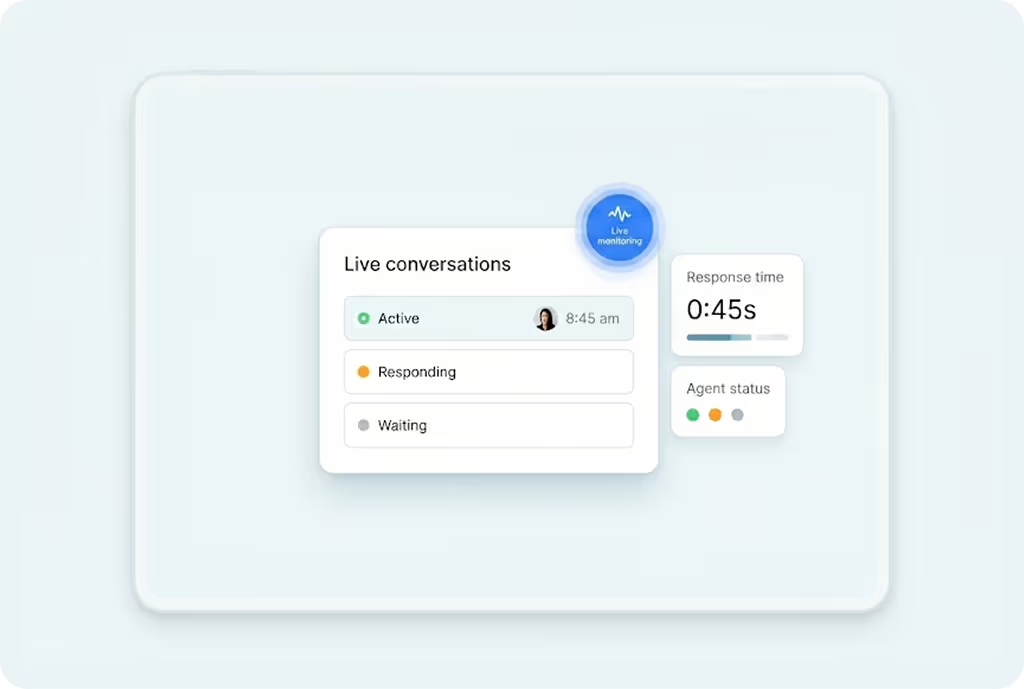
MyOperator’s dashboard provides analytics on chat volume, response time, agent activity, and customer engagement levels. Supervisors can view these insights in real time, helping them identify top performers or bottlenecks in service. Over time, these reports can be used to optimize workflows, reduce response delays, and improve overall customer satisfaction.
Who can use WhatsApp Multi-Agent Live Chat?
This feature is designed for any business that handles high customer volumes or manages multiple communication threads daily including retail, e-commerce, education, travel, and service industries.It scales from small teams with just a few agents to large enterprises handling thousands of customer conversations. The system ensures that every business, regardless of size, can deliver fast, coordinated WhatsApp support with complete visibility and control.

Assign, Track & Respond on WhatsApp as a Team.